
TWO SIGNAL PATHS. ONE CONTROL PLATFORM.
Keep the factory steering wheel functions your car depends on, and add a separate motorsport connection to your standalone ECU.
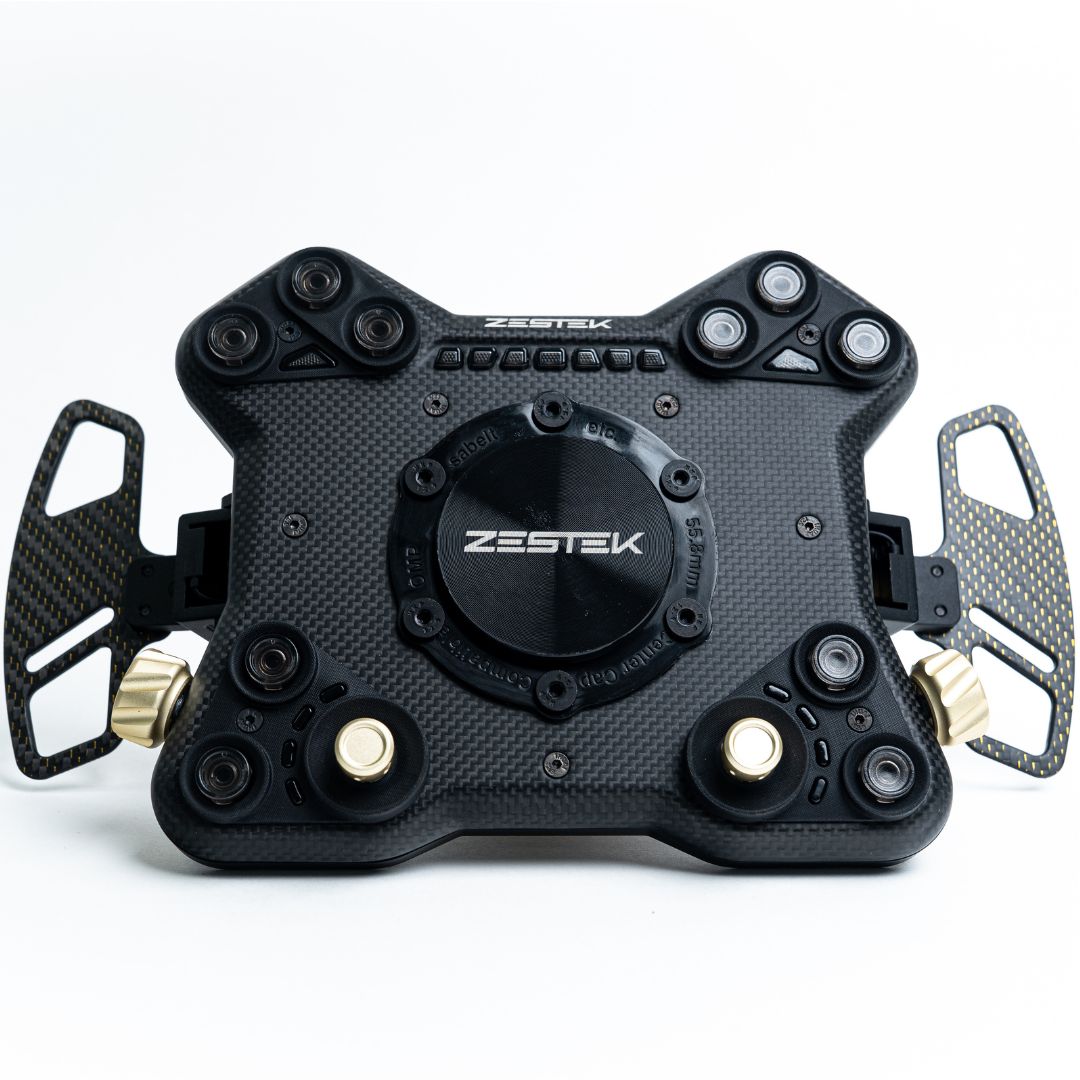
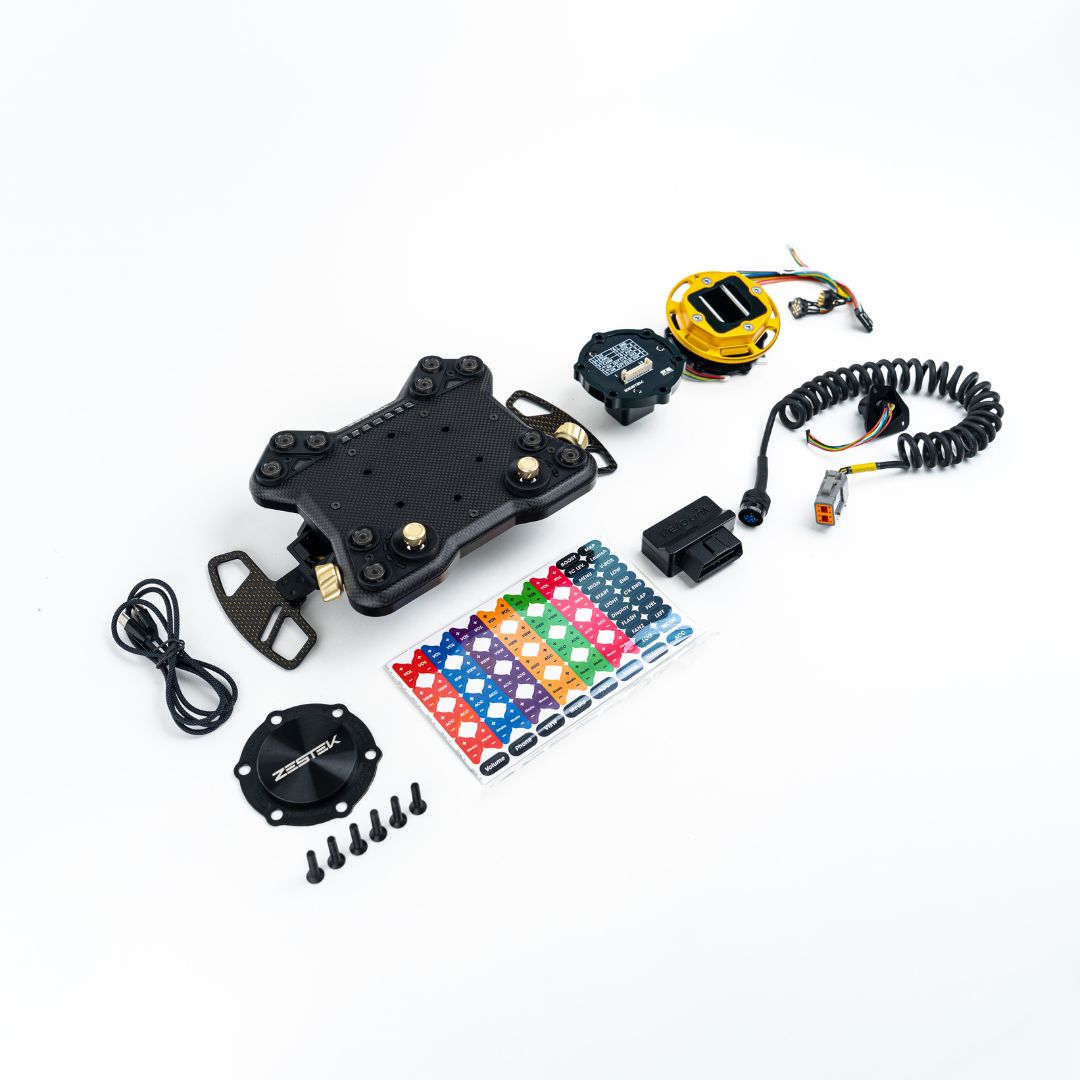
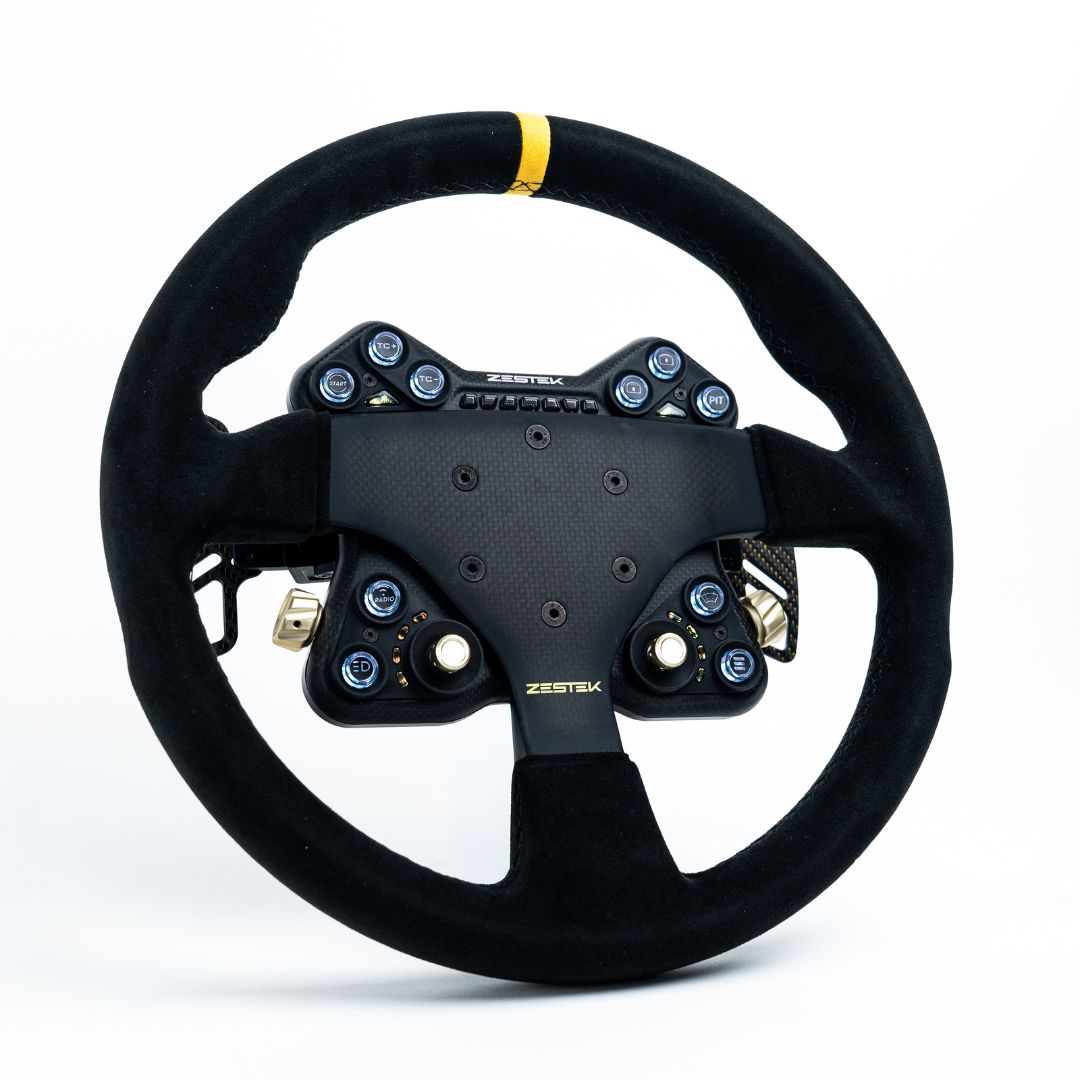
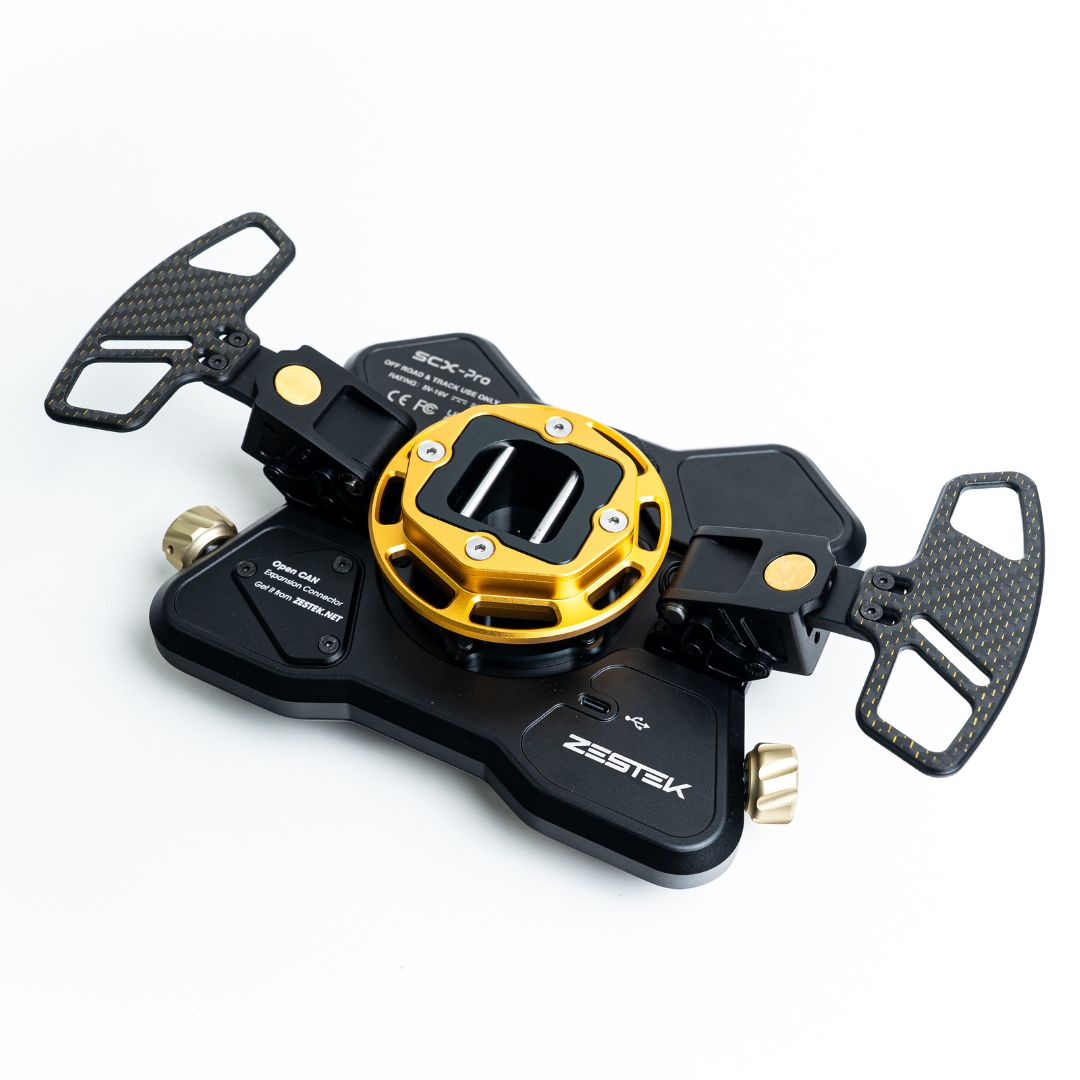
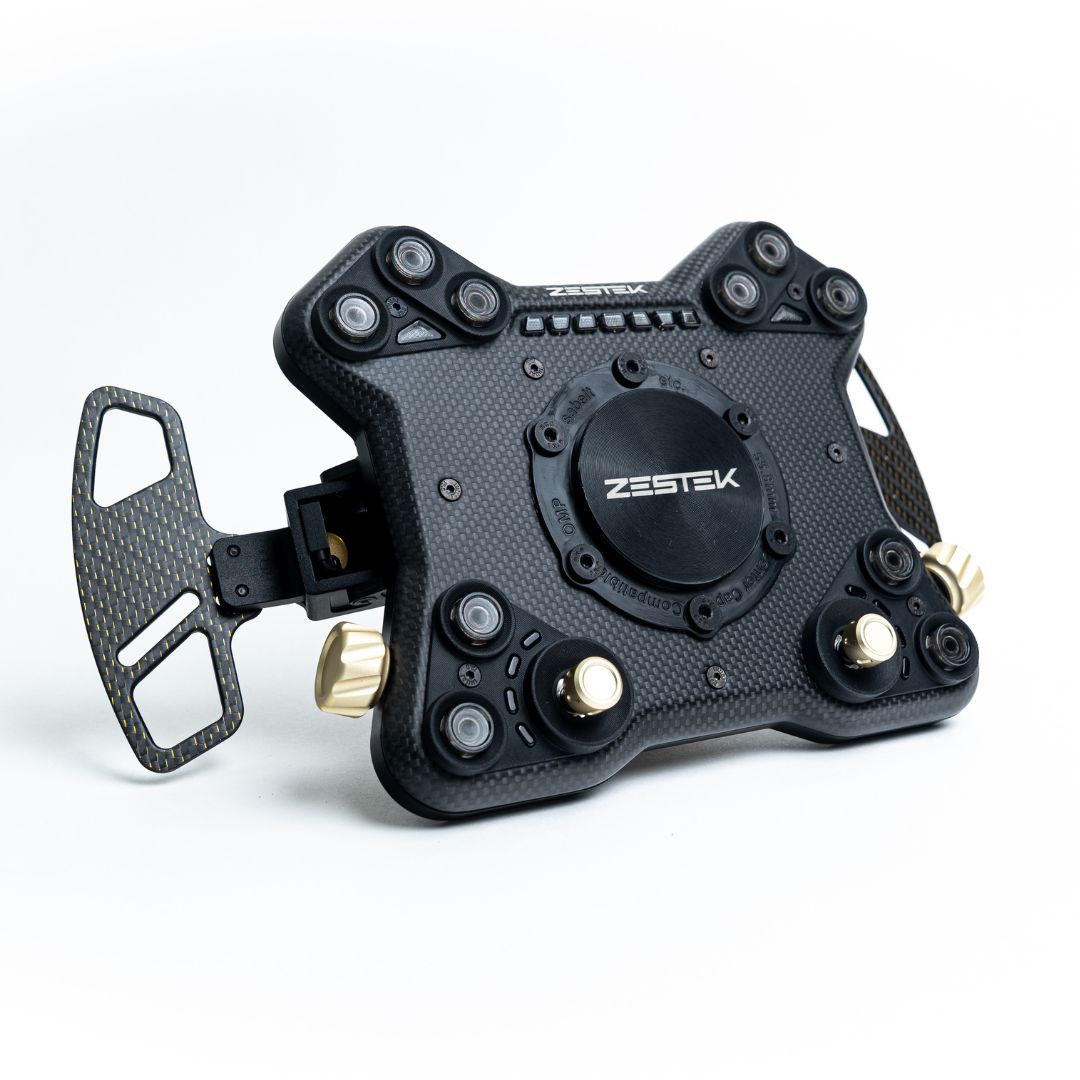
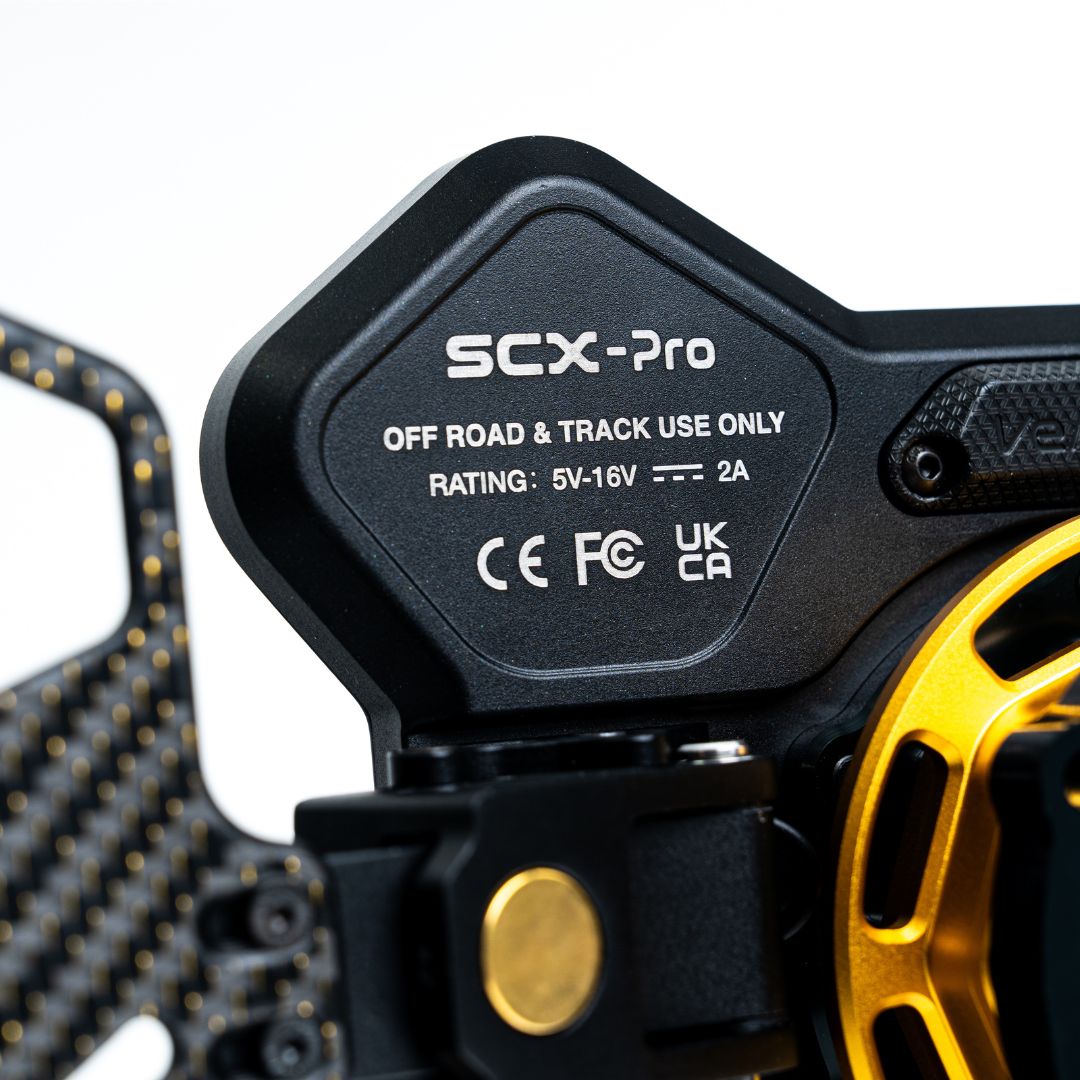
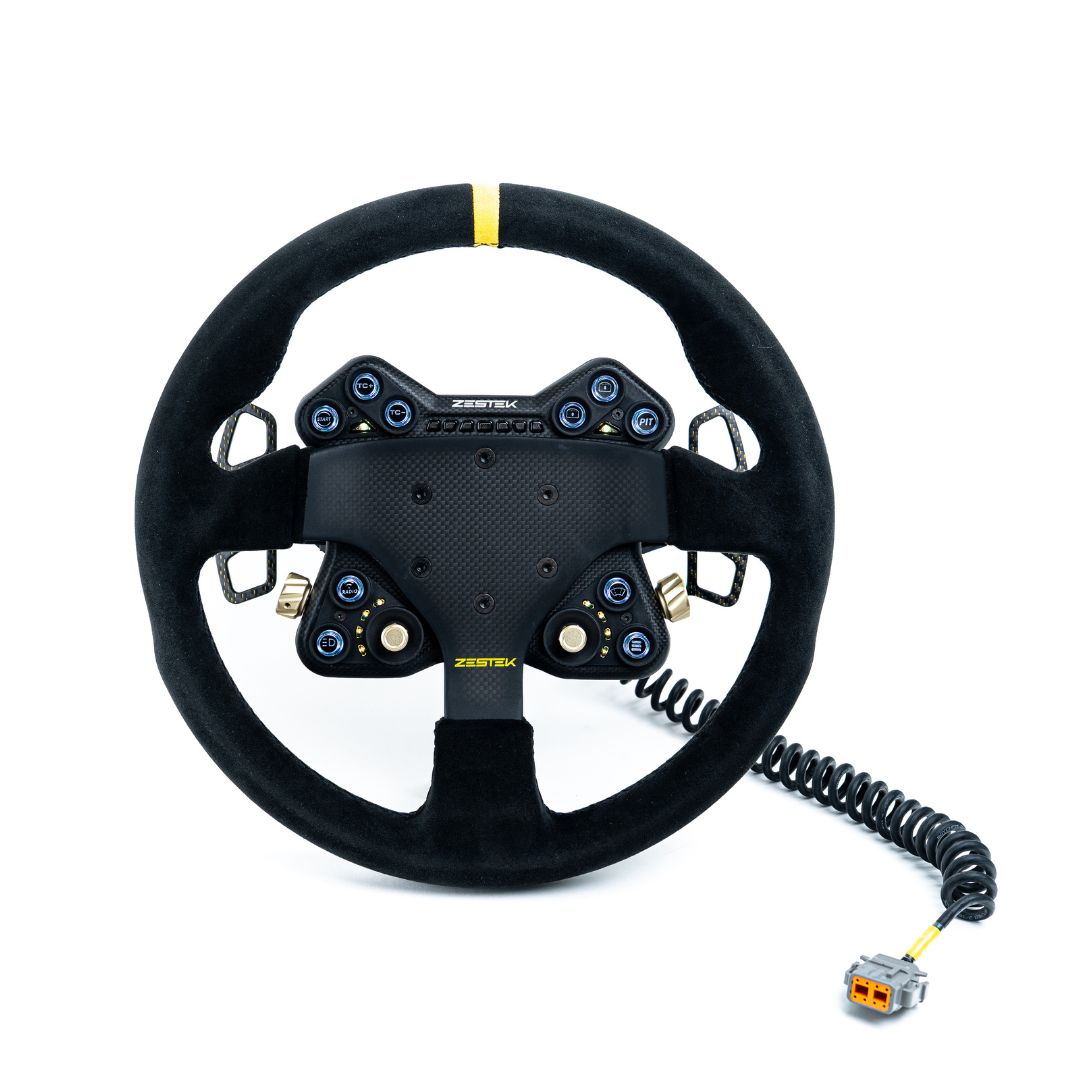
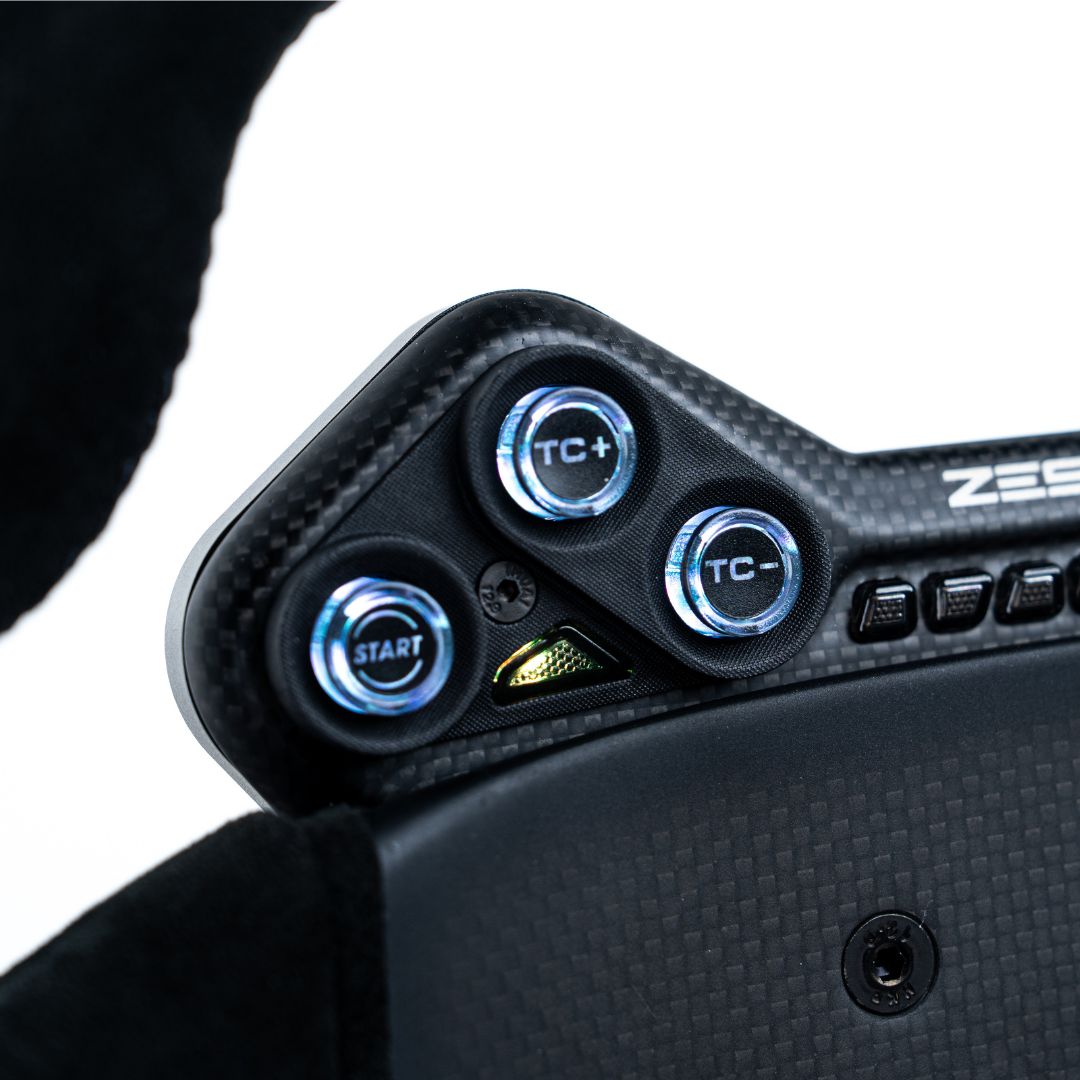
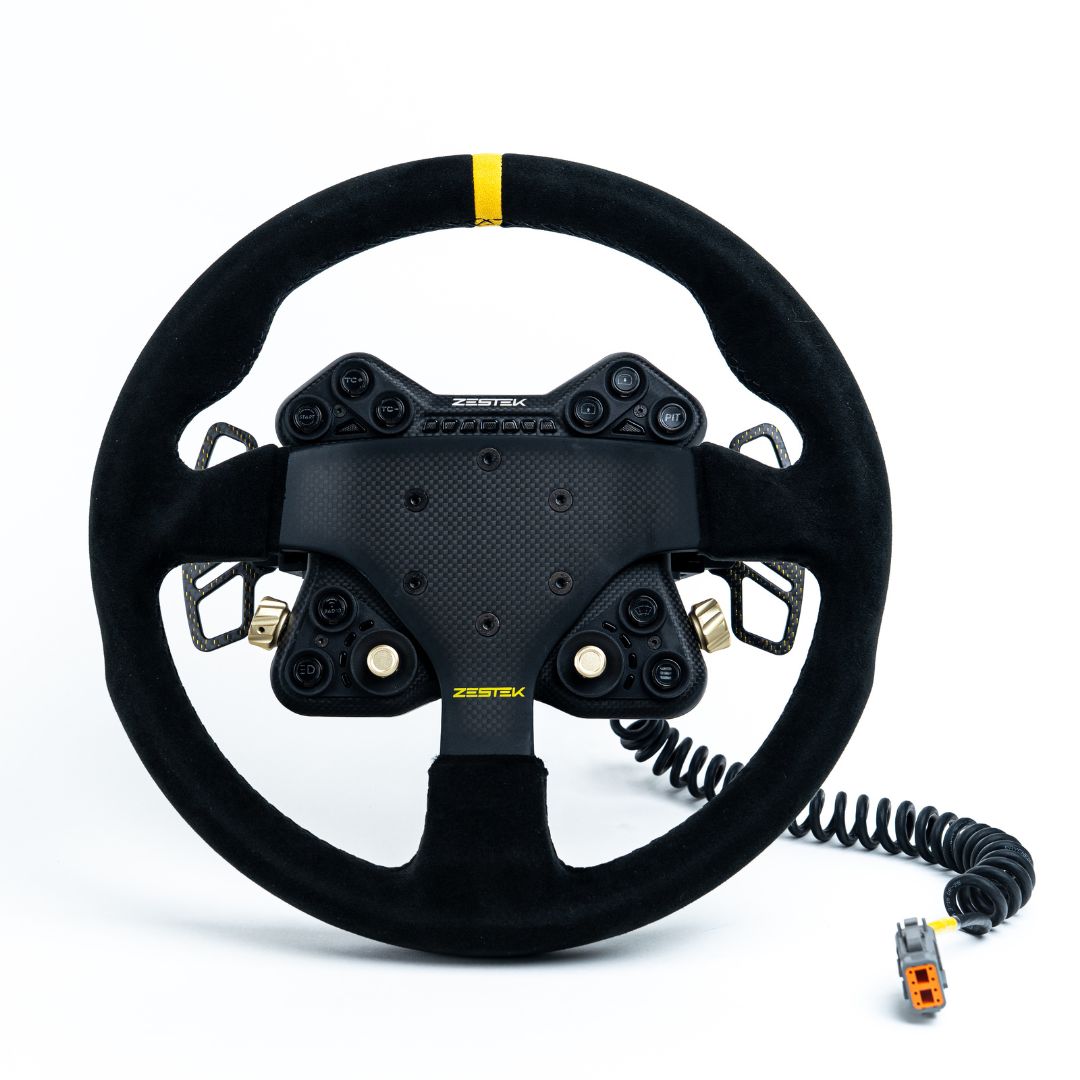
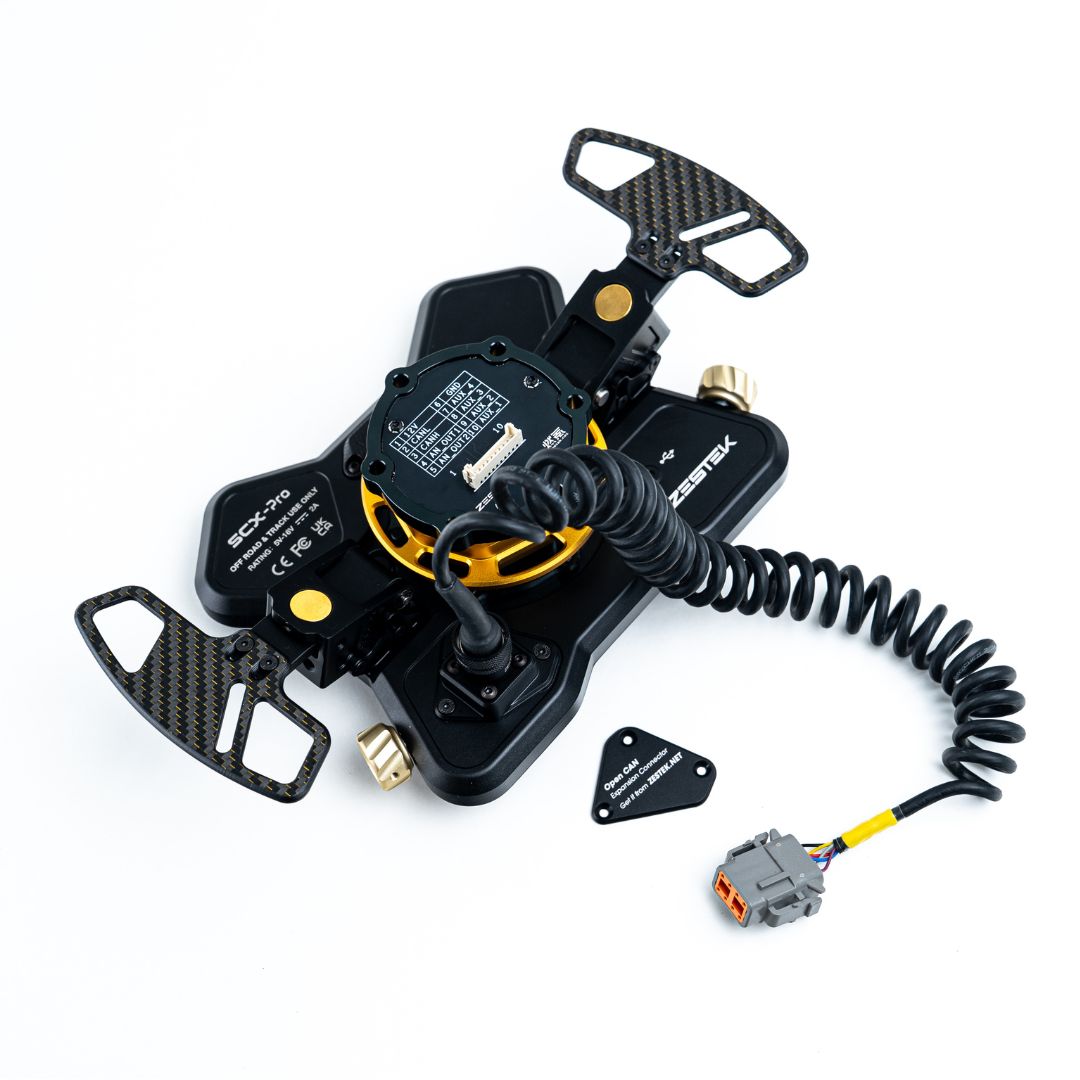
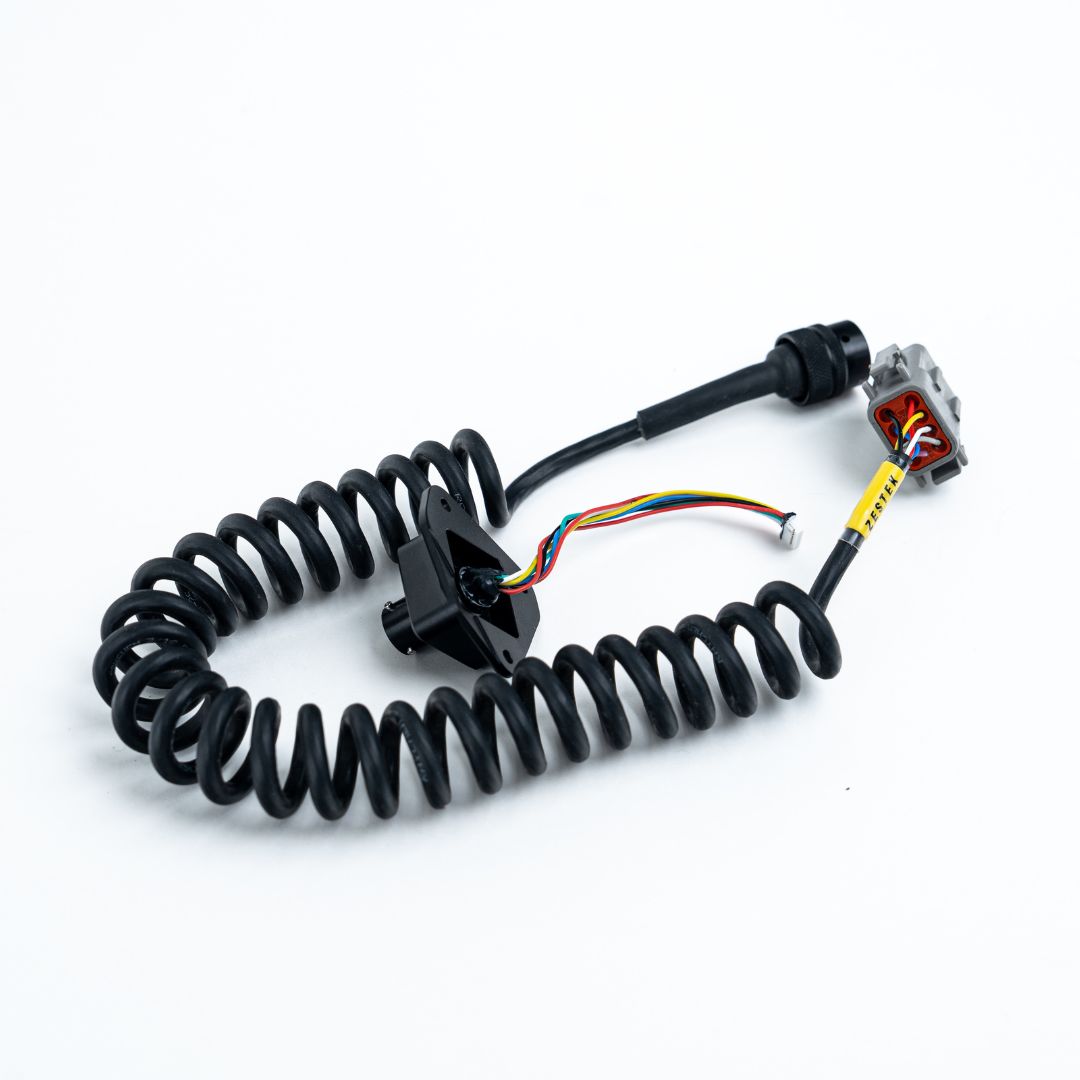
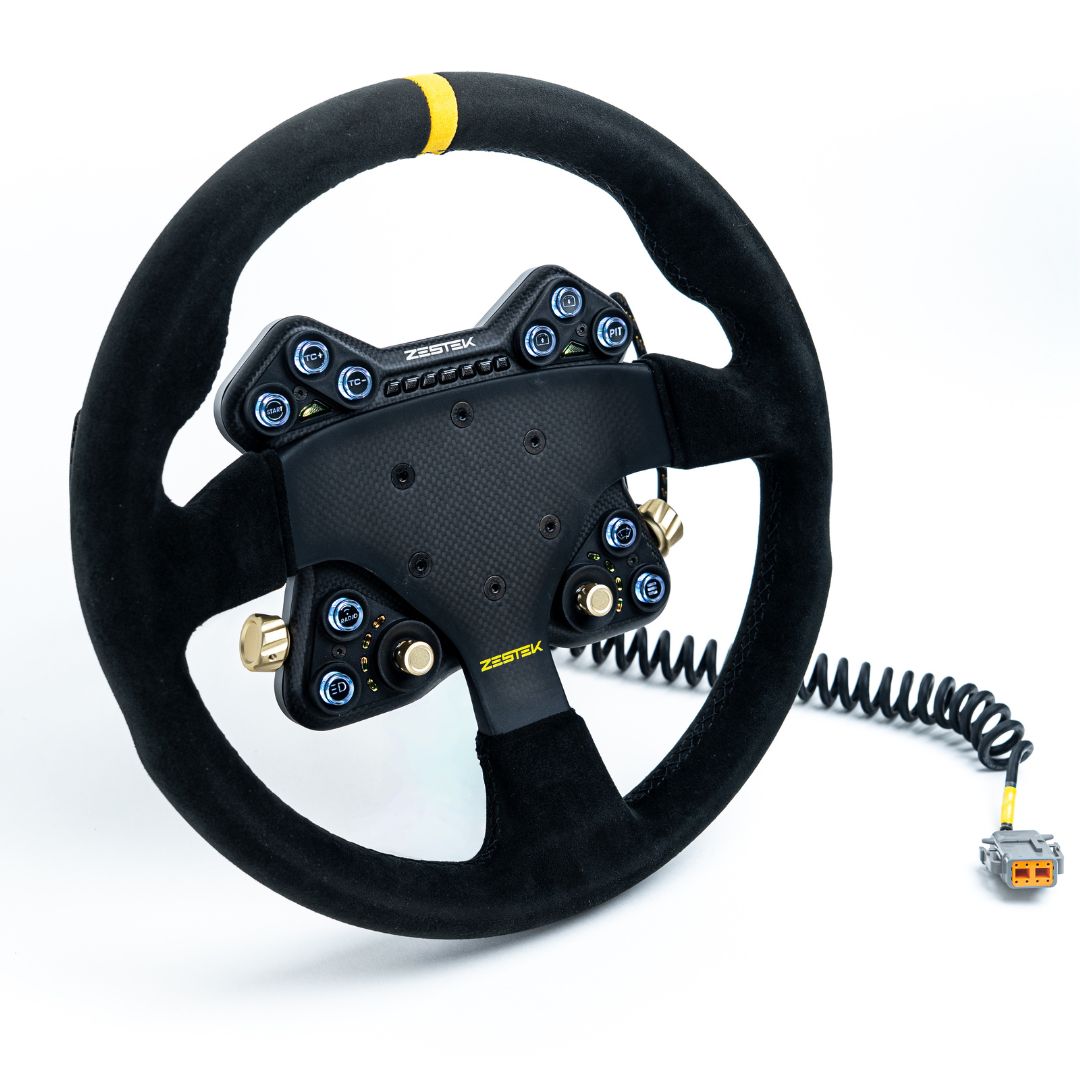
Zestek Racing SCX-Pro Button Control Panel (OEM ECU / OEM Steering Functions + Standalone ECU)
Before Ordering
In this listing, OEM refers to the factory steering wheel functions you want to retain. The available functions depend on the vehicle, its retained factory electronics and the vehicle-specific interface.
Select your make, model and configuration, then confirm which original controls you need to keep. For the combined version, also provide your standalone ECU, display and CAN setup so the required connection parts can be specified.
If you no longer need factory steering wheel functions, choose the separate SCX Pro Standalone ECU Only listing.
Retain supported factory steering wheel controls when fitting a compatible motorsport steering wheel. Choose factory control integration on its own, or add a separate connection to a standalone ECU and other compatible race electronics.
SCX Pro brings programmable controls, RGB illuminated buttons, RPM shift lights, status indicators and adjustable magnetic paddle shifters into one configurable driver interface.
Key Features
- Retains supported factory steering wheel functions through a vehicle-specific interface and the original clock spring
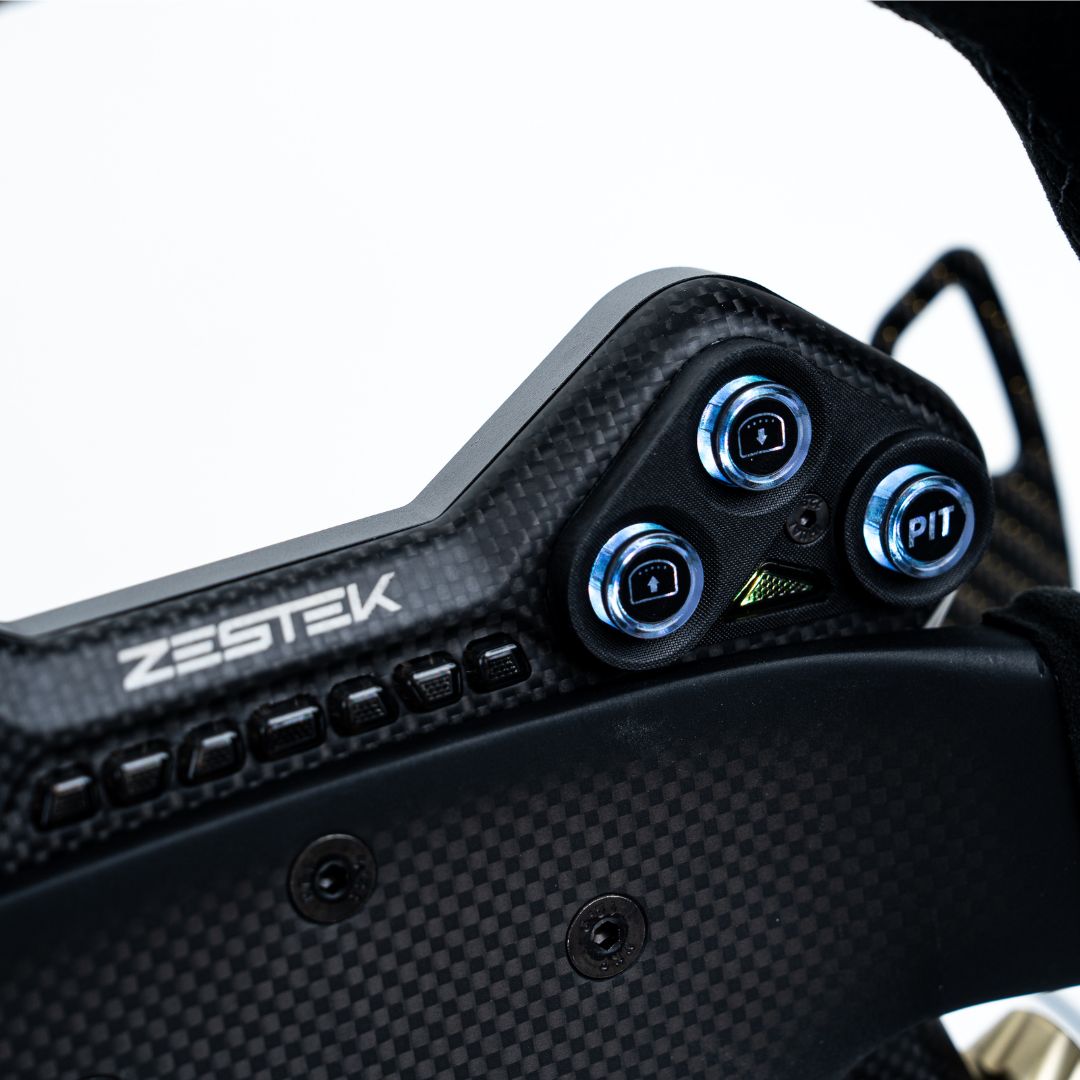
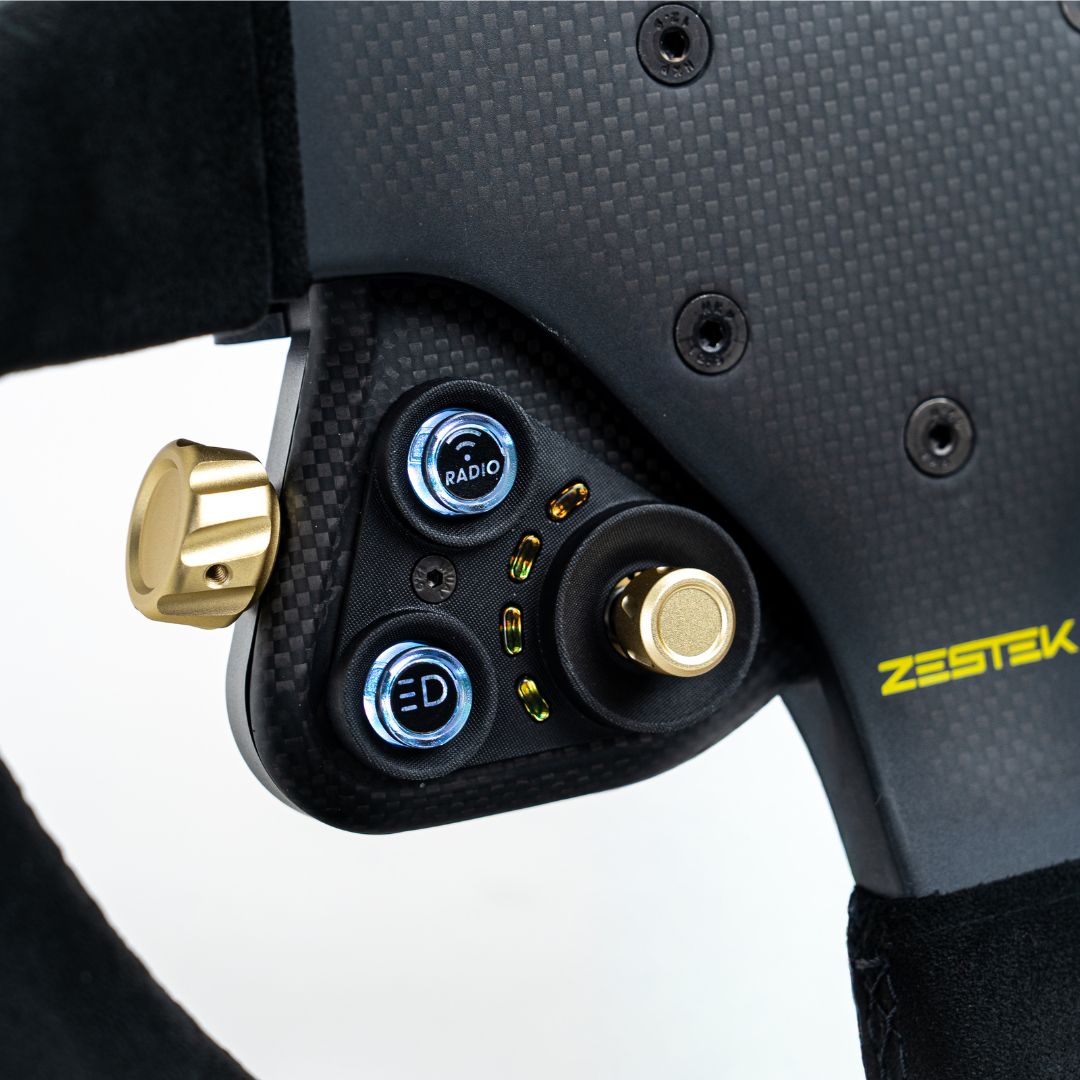
- RGB illuminated buttons with configurable colours and status lighting
- Adjustable lighting brightness and button illumination directly from the control panel, without connecting to Workstation
- Programmable buttons, rotary controls and RPM shift lights
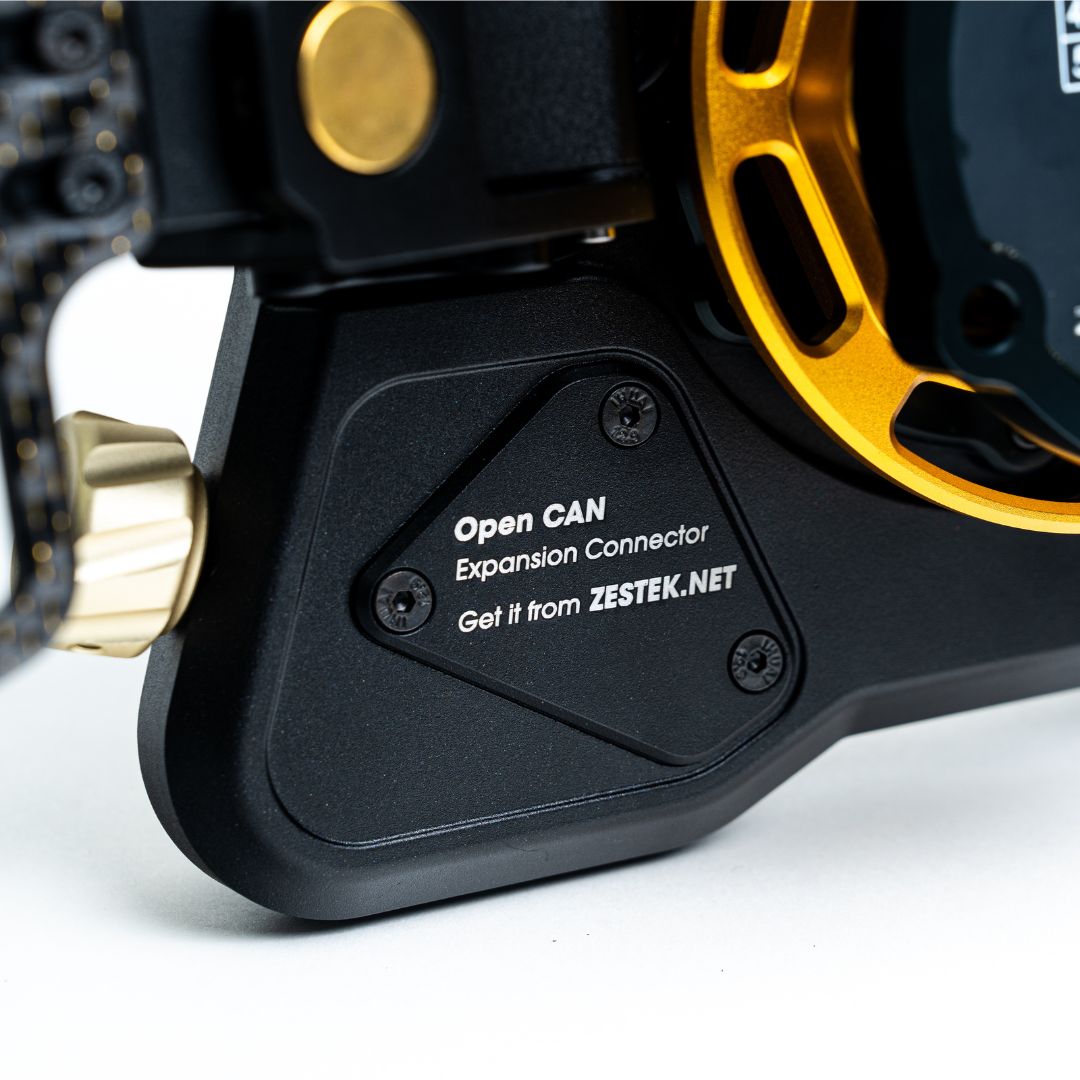
- Separate motorsport CAN connection on the combined factory controls and standalone ECU version
- Haltech CAN keypad emulation and configurable Open CAN data streams for compatible standalone ECU installations
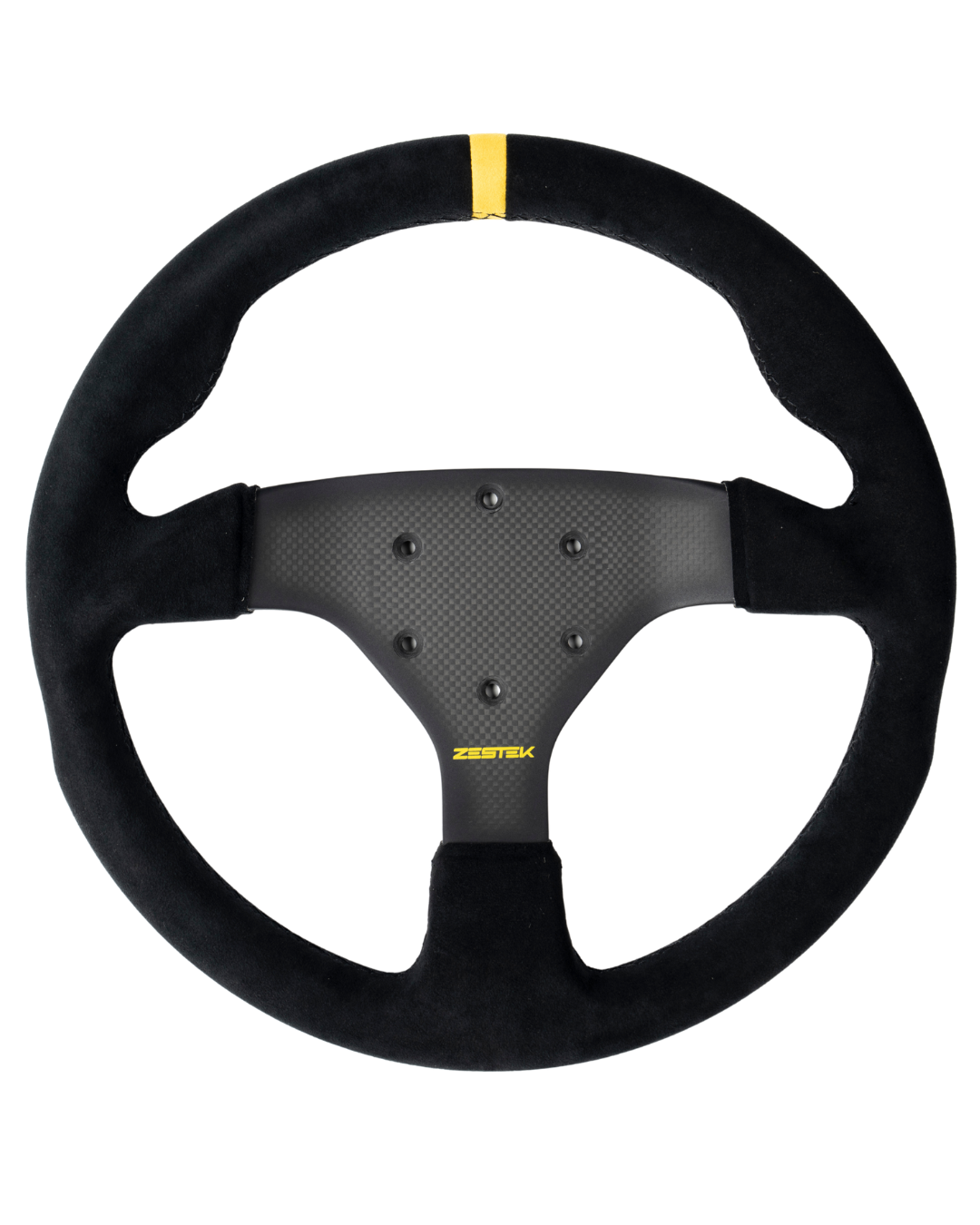
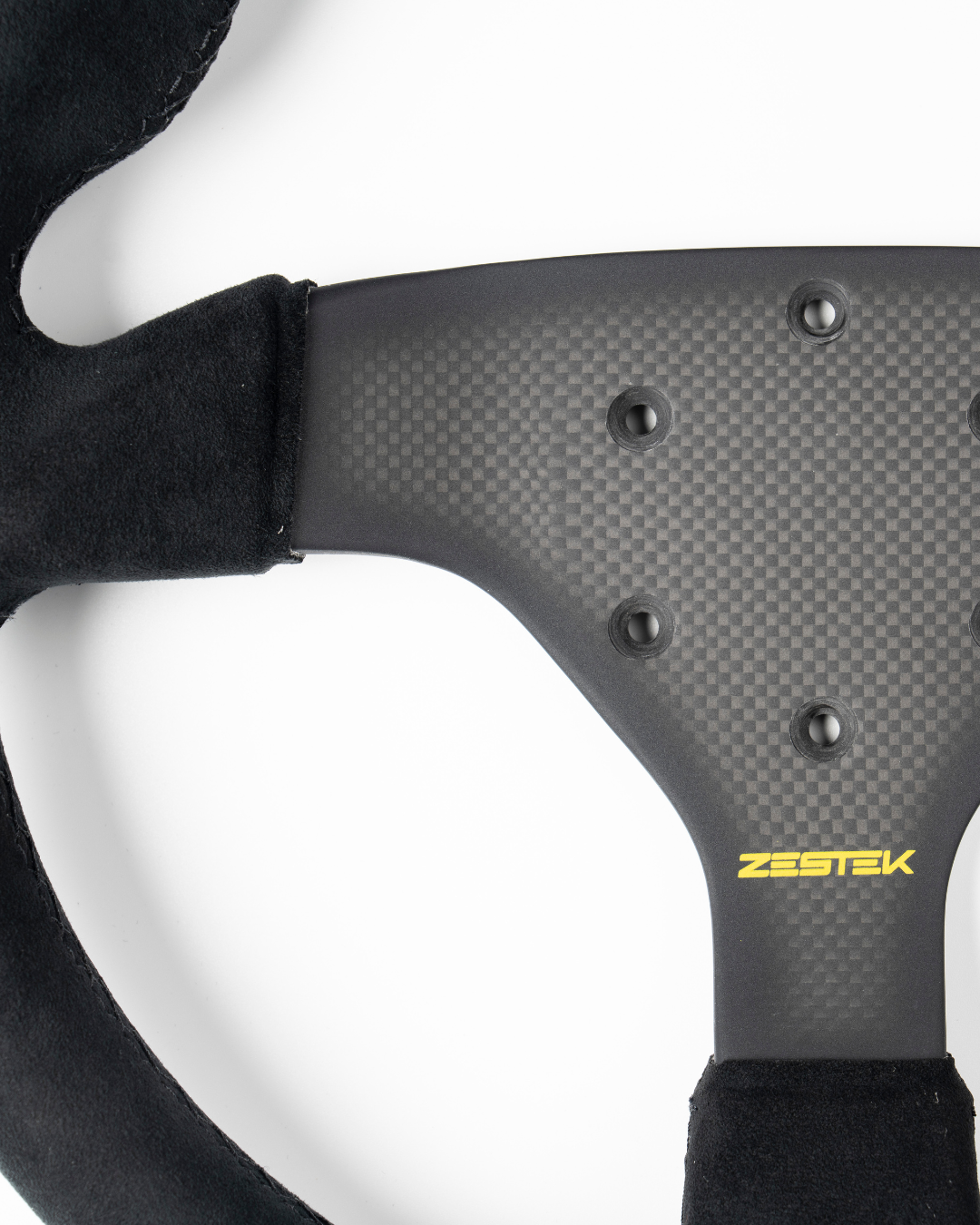
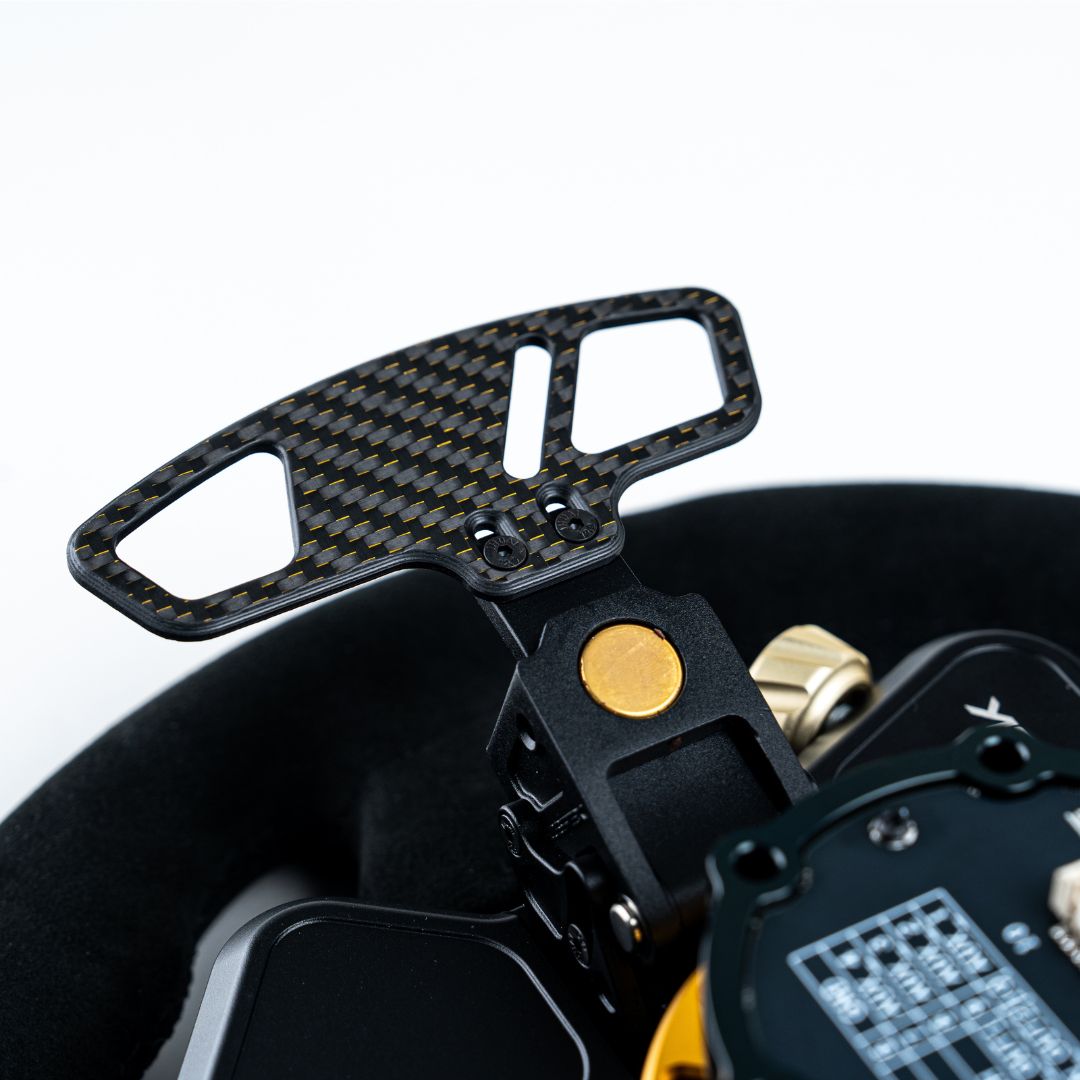
- Adjustable magnetic paddle shifters, a dry-compressed carbon-fibre faceplate and metal rear housing
Choose Your Configuration
OEM ECU Factory Steering Wheel Functions
A vehicle-specific PCB and harness connect SCX Pro to the original steering wheel circuit through the factory clock spring. This configuration retains the factory button functions supported for your vehicle while allowing you to fit a compatible aftermarket steering wheel.Choose this option when you need factory steering wheel controls but do not need a separate wired connection to a standalone ECU.
OEM ECU and Standalone ECU Factory and Motorsport Controls
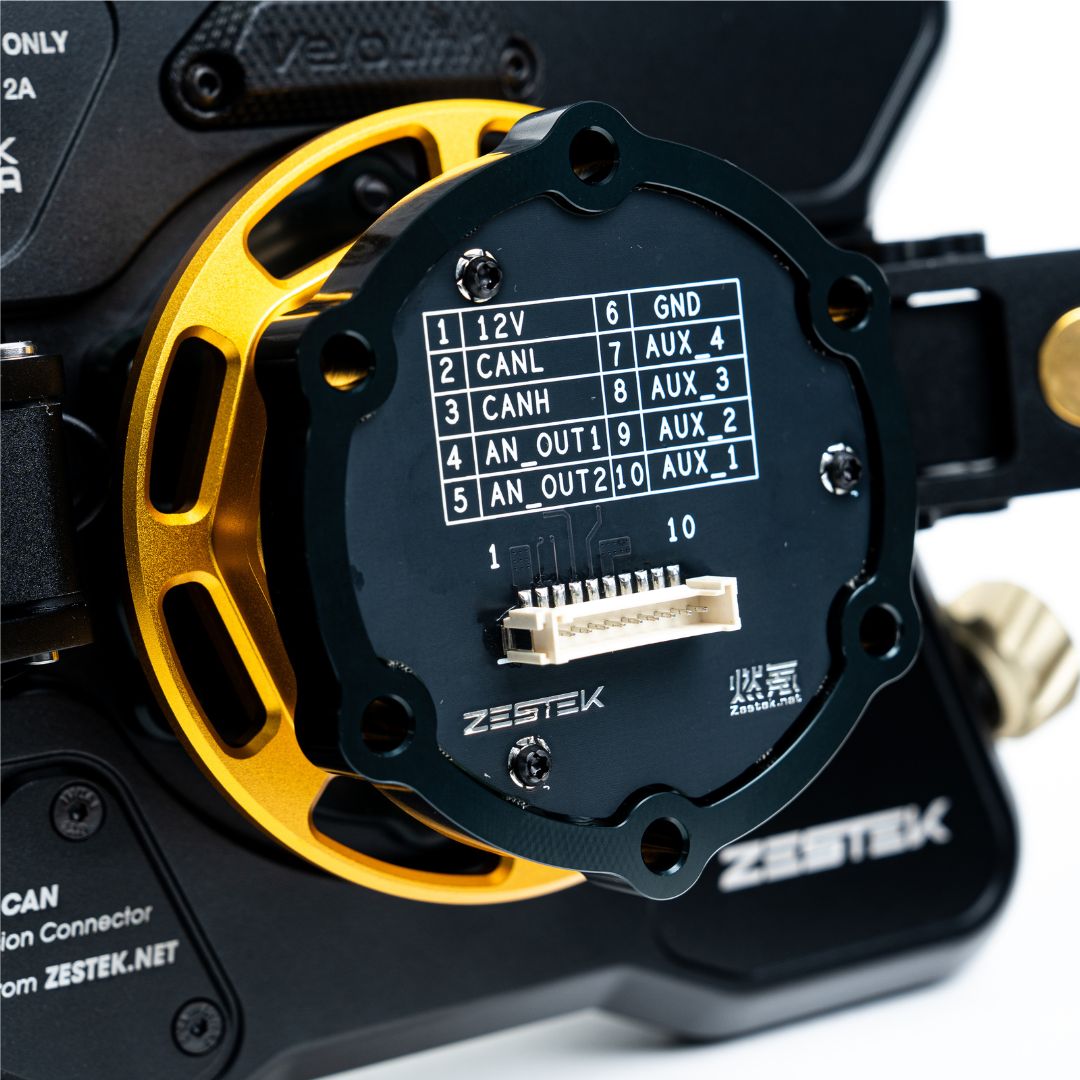
This configuration retains the supported factory controls above and adds a second signal path for compatible motorsport electronics. Factory control signals use the vehicle-specific interface and original clock spring. A separate motorsport connection, typically through a DR-25-sheathed curly cord, carries the standalone ECU or CAN signals.The two paths let you configure factory functions and motorsport controls on the same SCX Pro panel. The motorsport curly cord is sold separately; confirm the required connector and wiring for your installation.
Zestek Workstation
Use Zestek Workstation to configure button and rotary assignments, RGB button colours, RPM shift lights, status indicators and lighting behaviour. An integrated CAN-bus analyser supports CAN setup and troubleshooting.
For compatible Haltech installations, Haltech mode maps SCX Pro buttons to emulated Haltech CAN keypad positions. The corresponding vehicle functions are then assigned in Haltech ECU software.
For compatible Emtron, MoTeC, Link, FuelTech and other standalone ECU installations, Custom Open CAN lets the installer assign button channels and configure outgoing CAN data streams. Message IDs and data fields must be matched to the receiving ECU or device.
Hardware and Expansion
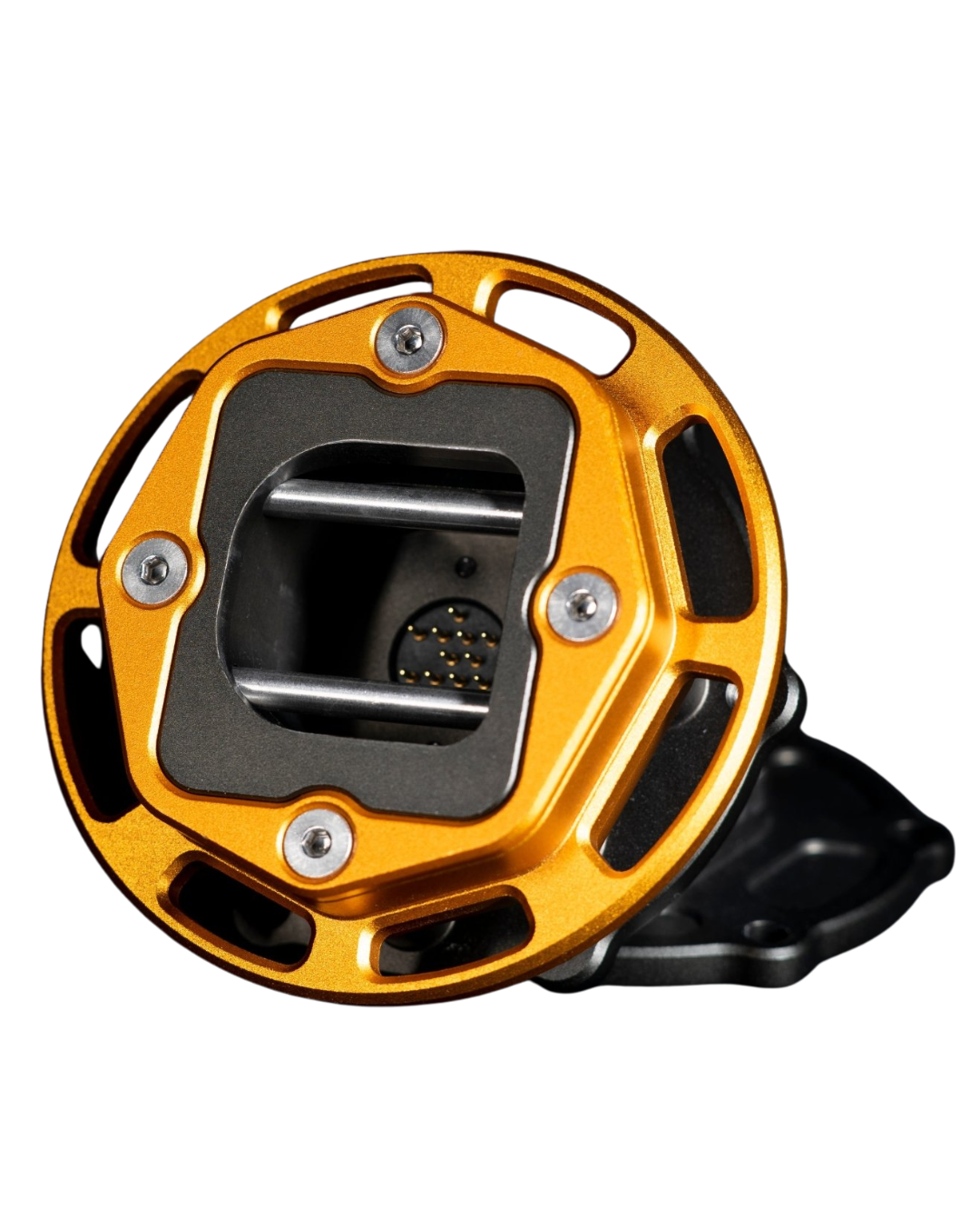
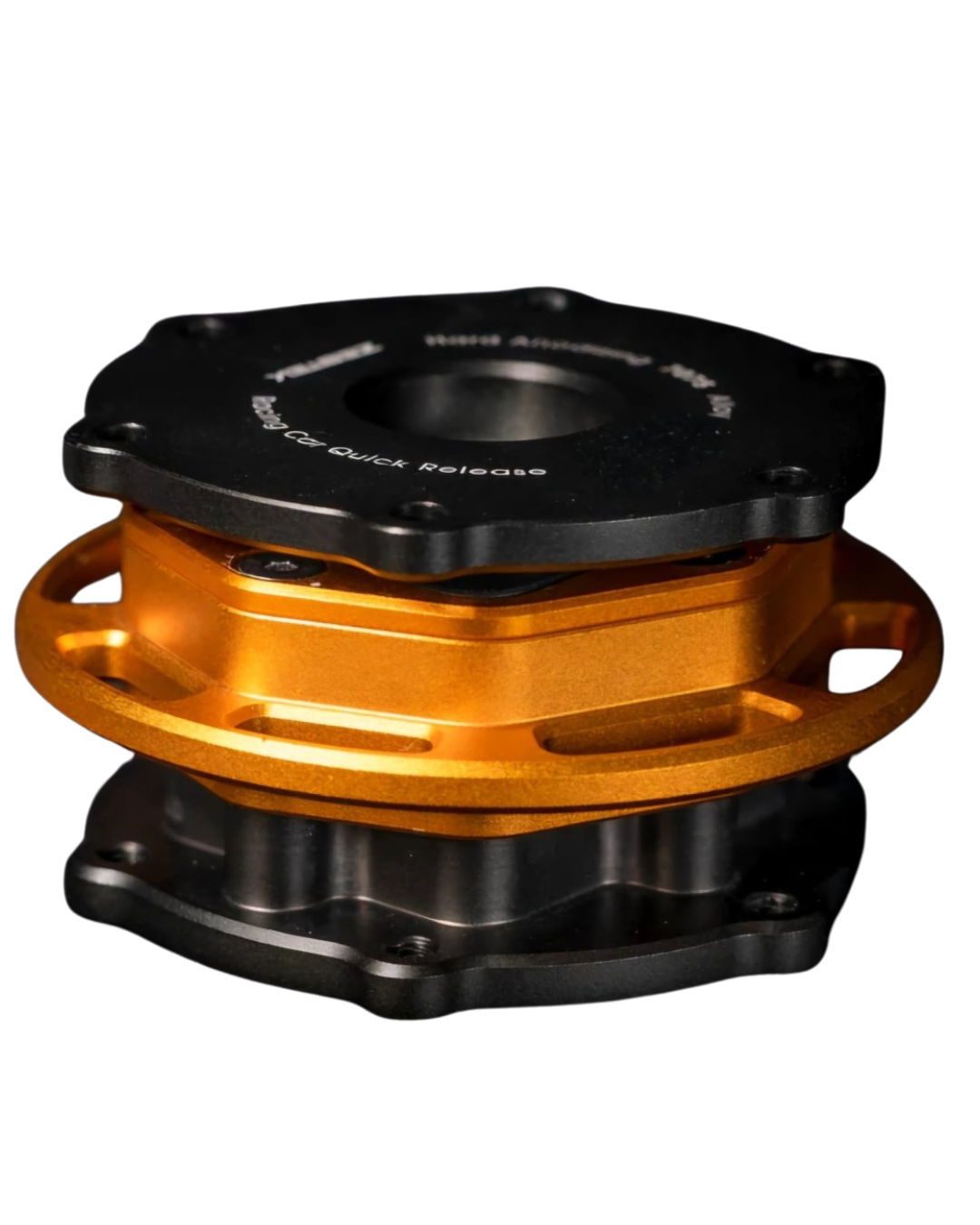
SCX Pro combines a dry-compressed carbon-fibre faceplate with a metal rear housing. Its revised magnetic paddle shifters offer a wider adjustment range, while the Zestek pogo-pin quick release provides the removable steering wheel connection.
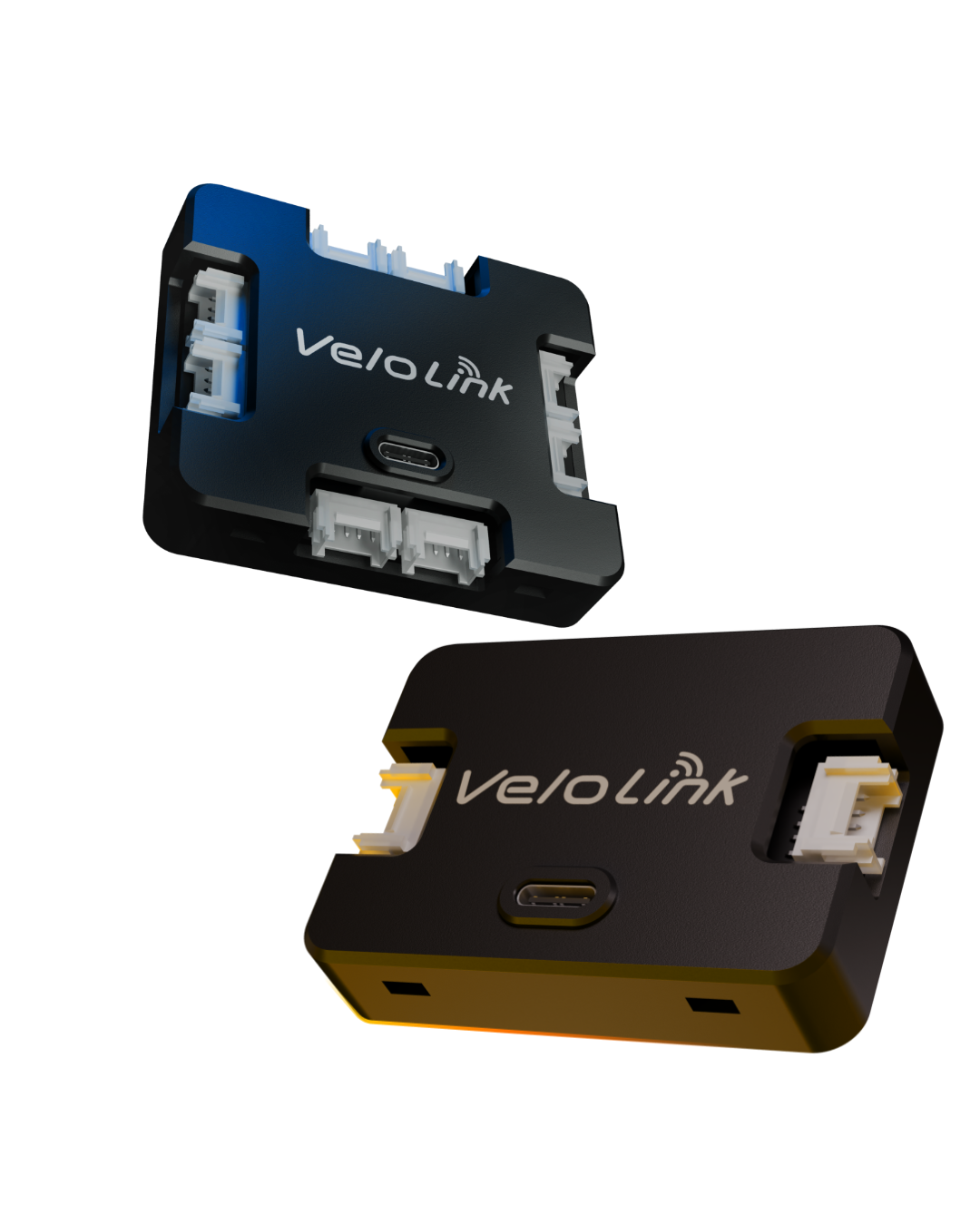
Optional VeloLink accessories can extend control beyond the wheel. VeloSwitch adds eight wireless relay channels for compatible auxiliary functions.
Fit the wheel you want. Keep the car you have.
SCX Pro sits between your steering wheel and everything the car already does, then adds a second path to your race electronics when the build calls for it.
Nothing stops working
Your supported OEM buttons keep running through the original clock spring. Fit a motorsport wheel without giving up the controls you use every day.
A second path when you need it
Talk to a standalone ECU, a MoTeC display or a CAN network from the same panel, at the same time as the factory functions.
Make and model fitments
A vehicle-specific PCB and harness, built for your car rather than adapted to it.
Tested at the highest level
Developed for the pinnacle of motorsport
We debuted the SCX Pro at WTAC 2026, placing 5th in Clubsprint Class.
Before you choose
Which SCX Pro is right for your car?
SCX Pro runs three ways. Two of them are on this listing. The third has its own. Find the one that describes your car before you pick a configuration above, and if you are not certain, message us first.
A road or track car still running its OEM ECU, where you want an aftermarket wheel without losing the factory controls.
A car that has to keep its factory steering wheel functions while also talking to a standalone ECU, display or CAN network.
A dedicated race car with no factory steering wheel functions left to retain.
Factory Steering Wheel Functions
Factory Functions + Standalone ECU
Standalone ECU Only
One path. A vehicle-specific PCB and harness carry factory signals through the original clock spring.
Two paths at once. Factory signals through the PCB and clock spring; motorsport signals through the curly cord.
Wired directly from the rear of SCX Pro into the car's race electronics. No factory clock spring involved.
Not required
Required for the motorsport connection. Sold separately, and can be added to this order.
Not required but often optioned.
How it connects
Two signal paths. One control platform.
Through the factory clock spring
A vehicle-specific PCB and harness, designed for your car, carry supported factory signals the way they always travelled.
Through the motorsport curly cord
A DR-25 Raychem cord and aerospace-grade connector carry standalone ECU and CAN signals straight from the rear of the panel.
Motorsport curly cord
Required for the standalone connection. Add it to this order.
Hardware
What makes it a Pro
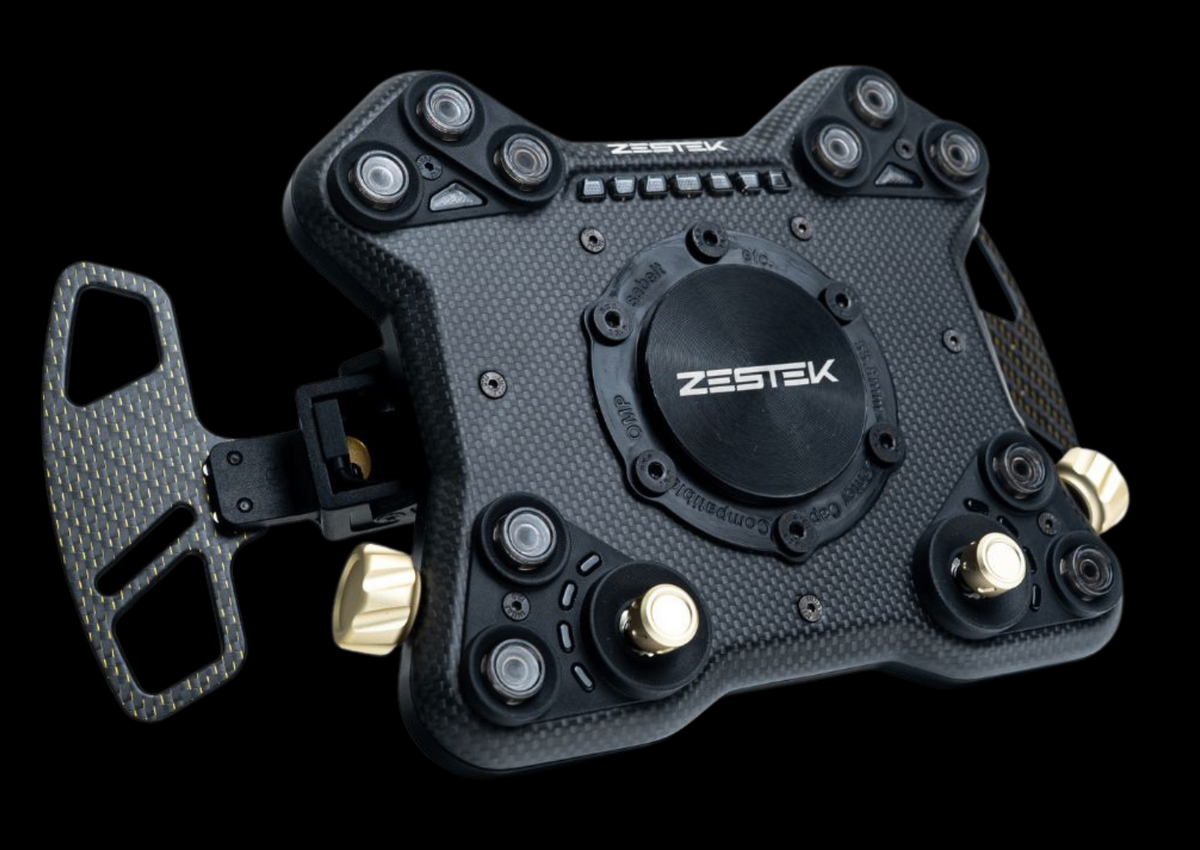
Full dry-compressed carbon fibre
Where SCX and DRX use a carbon composite, the Pro steps up to full dry-compressed carbon, with a metal rear housing.
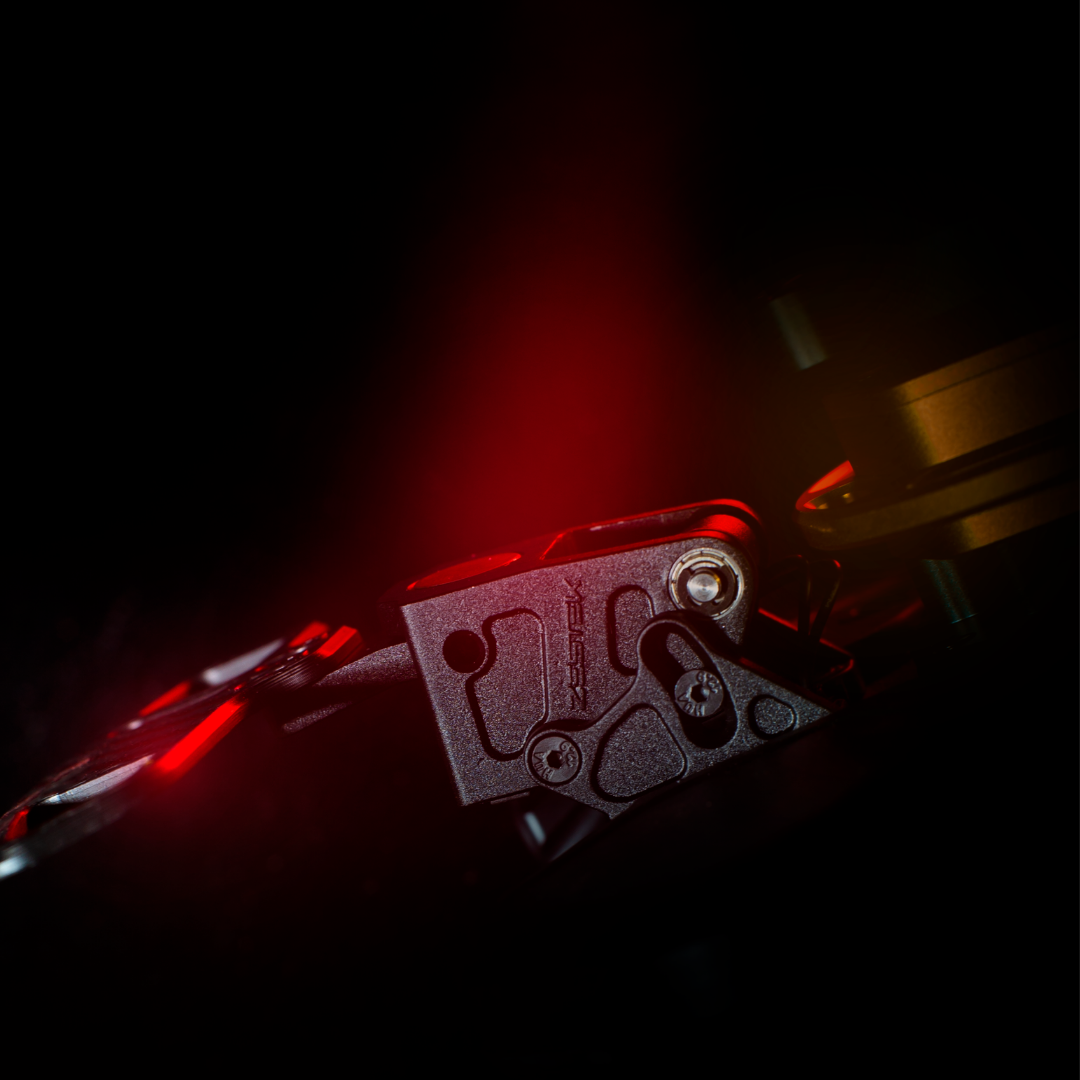
Magnetic paddle shifters 2.0
Wider adjustment range, more positive shift.
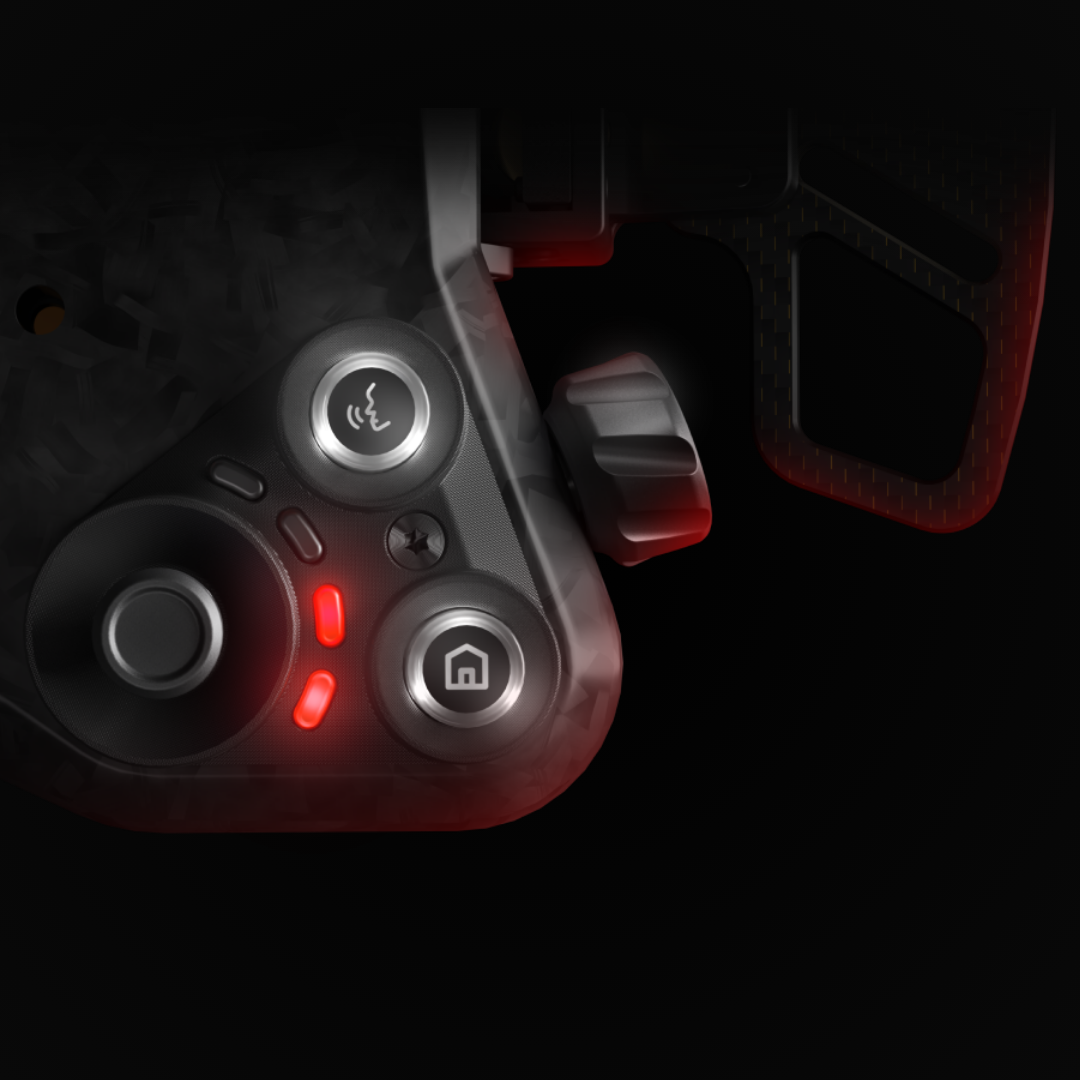
RGB buttons and status lighting
Brightness adjusts from the panel itself. No laptop needed.
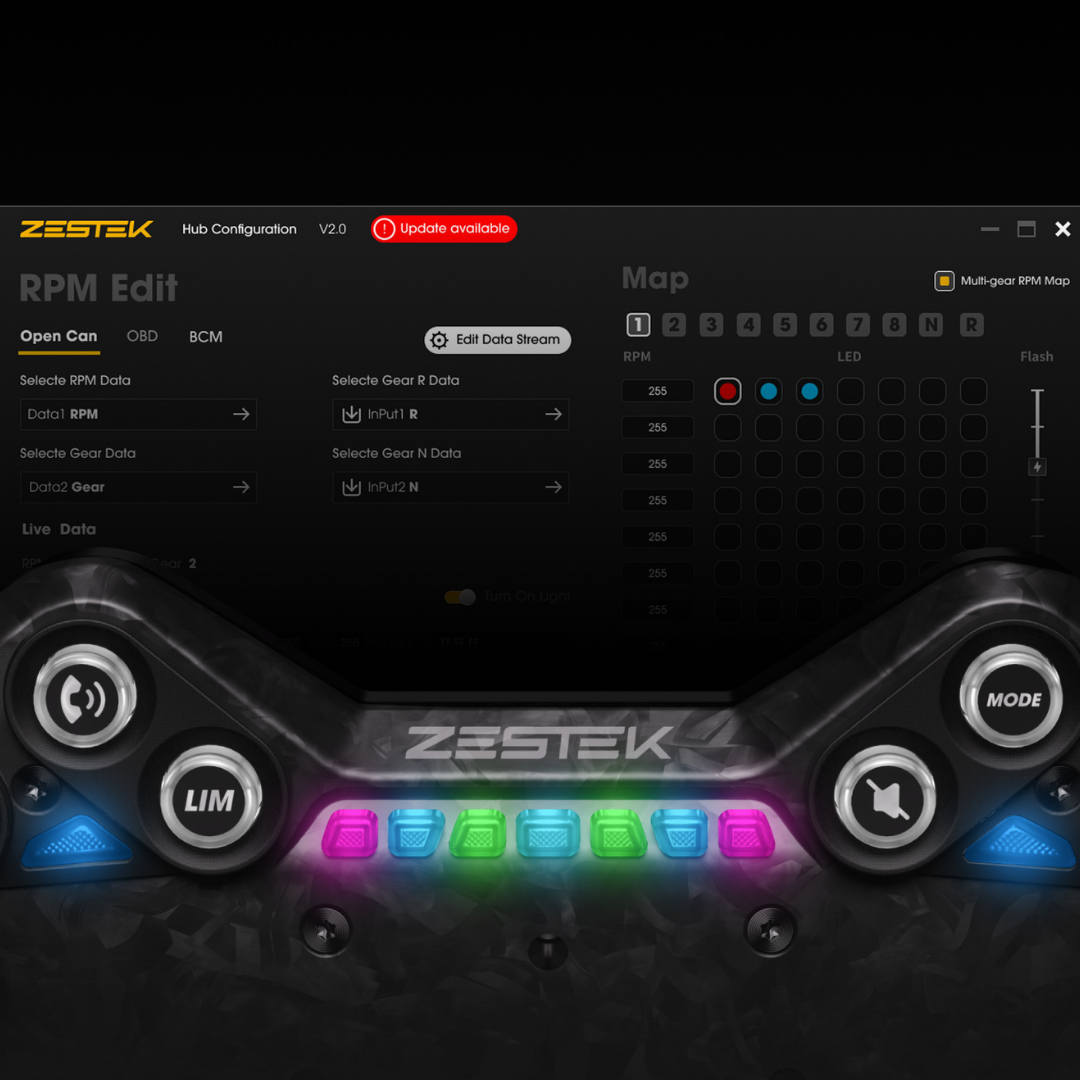
Programmable RPM shift lights
Your shift points, your colours, your sequencing.
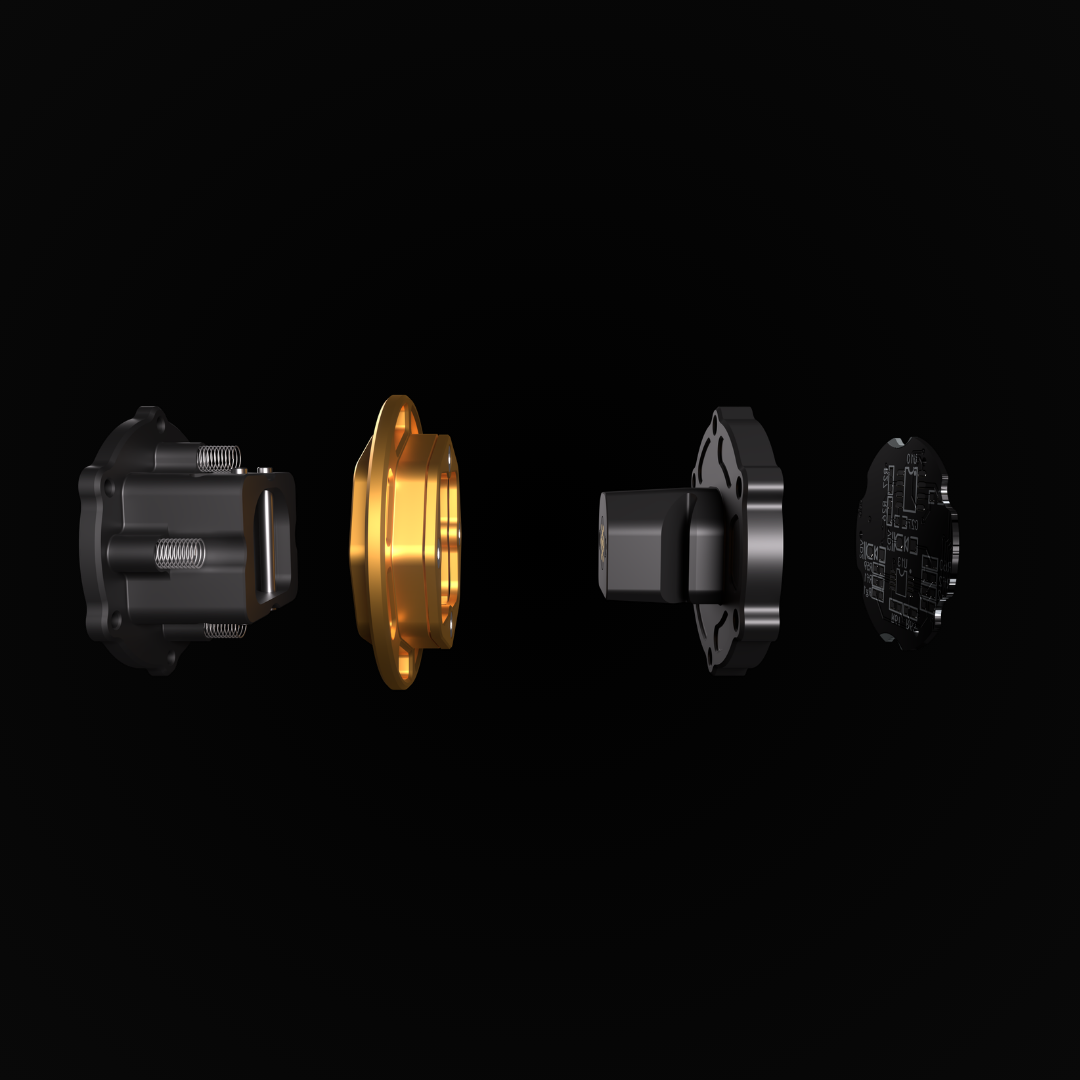
Pogo-pin quick release
7075 forged aluminium with an integrated adaptor.
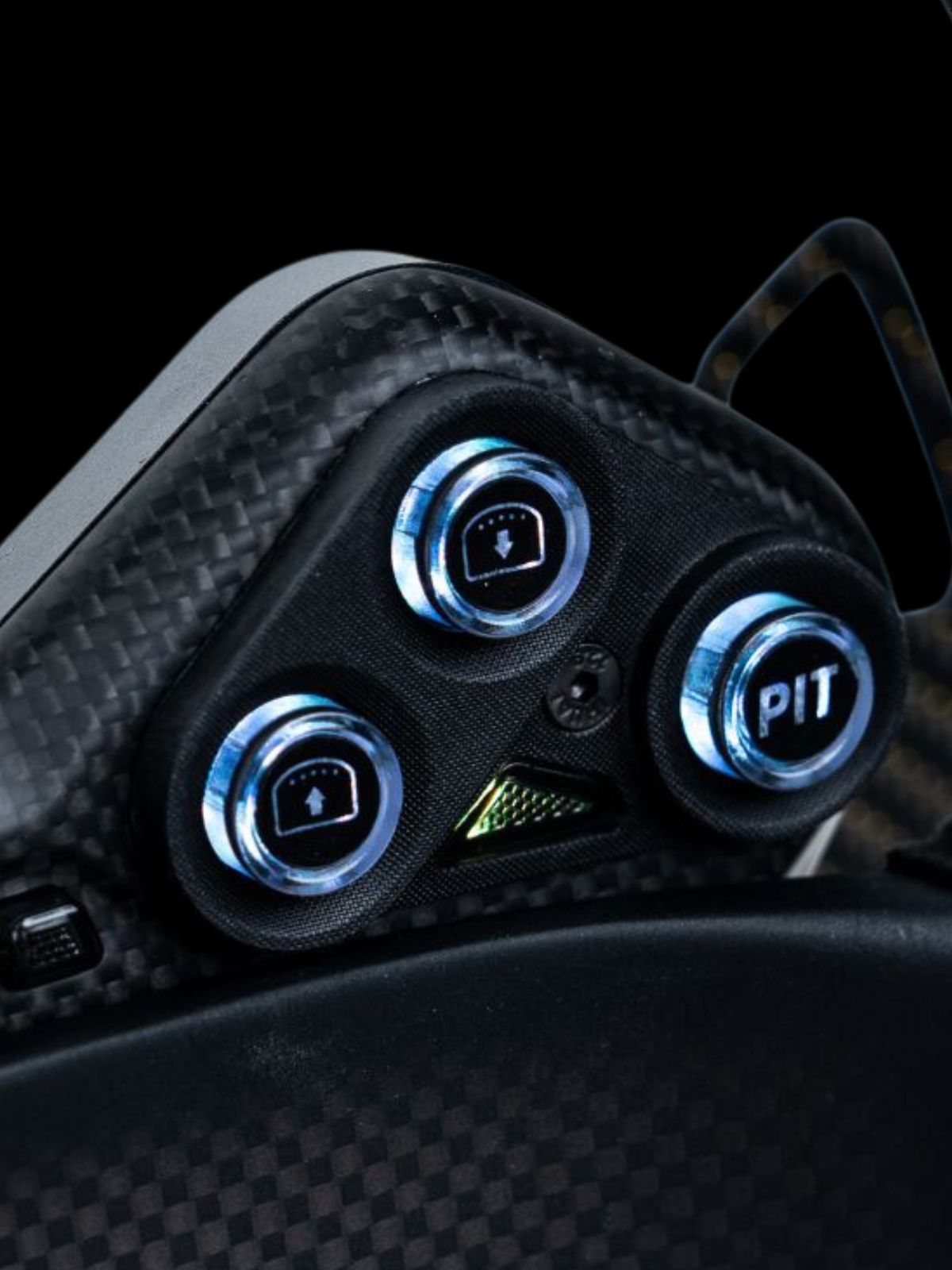
Multi-stage tactile buttons
2.25mm of travel, settled on after dozens of prototypes.
VeloLink
Up to six wireless modules, auto-paired, no manual setup. VeloSwitch adds eight relay channels for auxiliary functions.
Zestek Workstation
Configured around your car, not the other way round
A steering wheel button stops being a simple on or off switch and becomes part of the car's control strategy. Download Workstation for Windows or macOS and connect over USB-C.
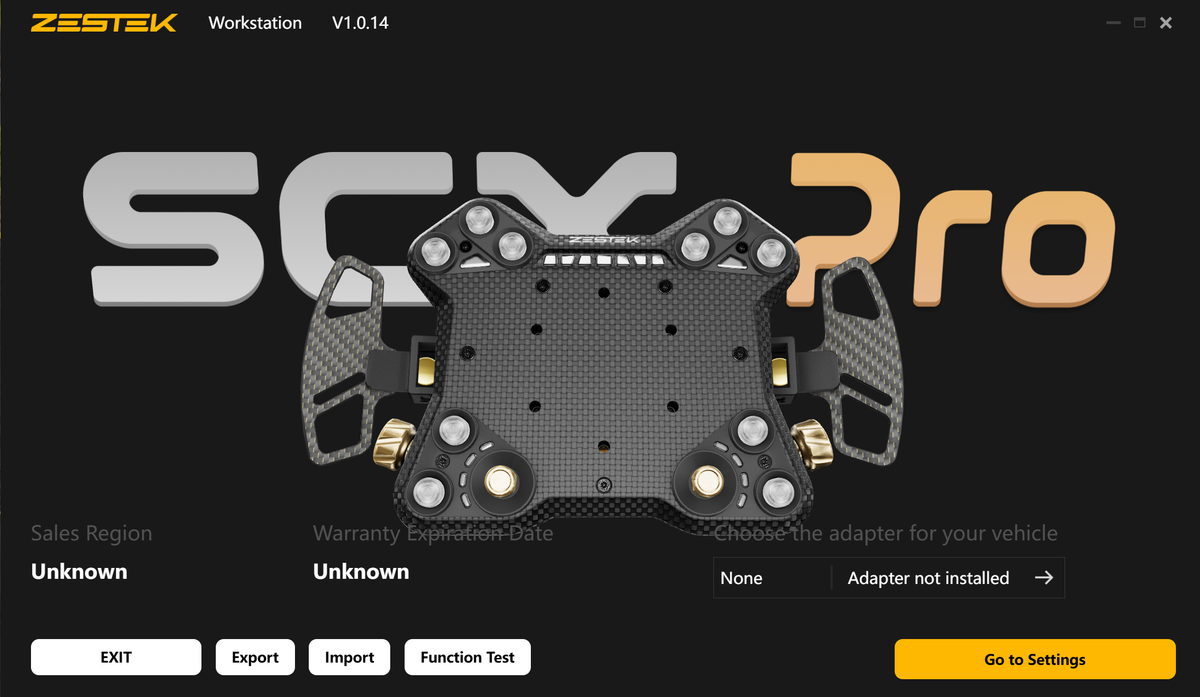
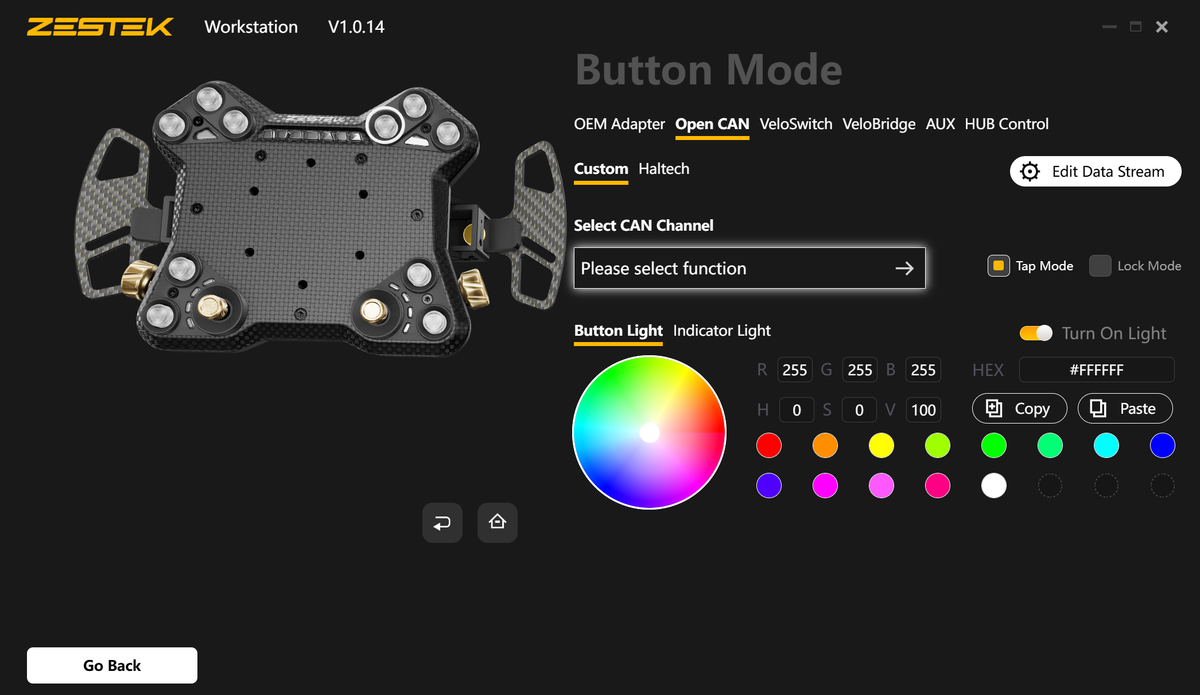
Start with your vehicle adapter
Workstation opens on the hub itself. Choose the adapter for your car, then run a function test across every button, rotary and paddle before the car turns a wheel.
Configurations export and import, so a setup you have dialled in can move to another car or go to your tuner.
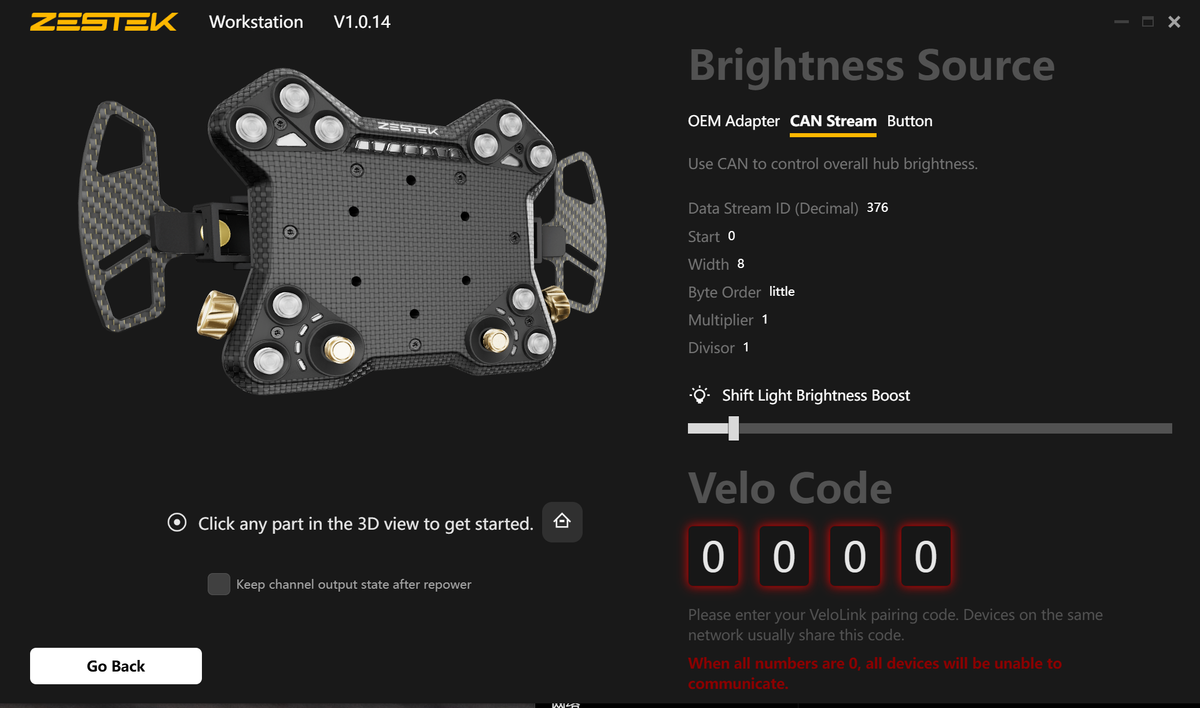
Brightness driven by the car
Drive hub brightness from a CAN stream, the OEM adapter or a button. Set the stream ID, start bit, width, byte order, multiplier and divisor to match what your ECU already broadcasts.
Shift lights get their own brightness boost so they stay readable in daylight.
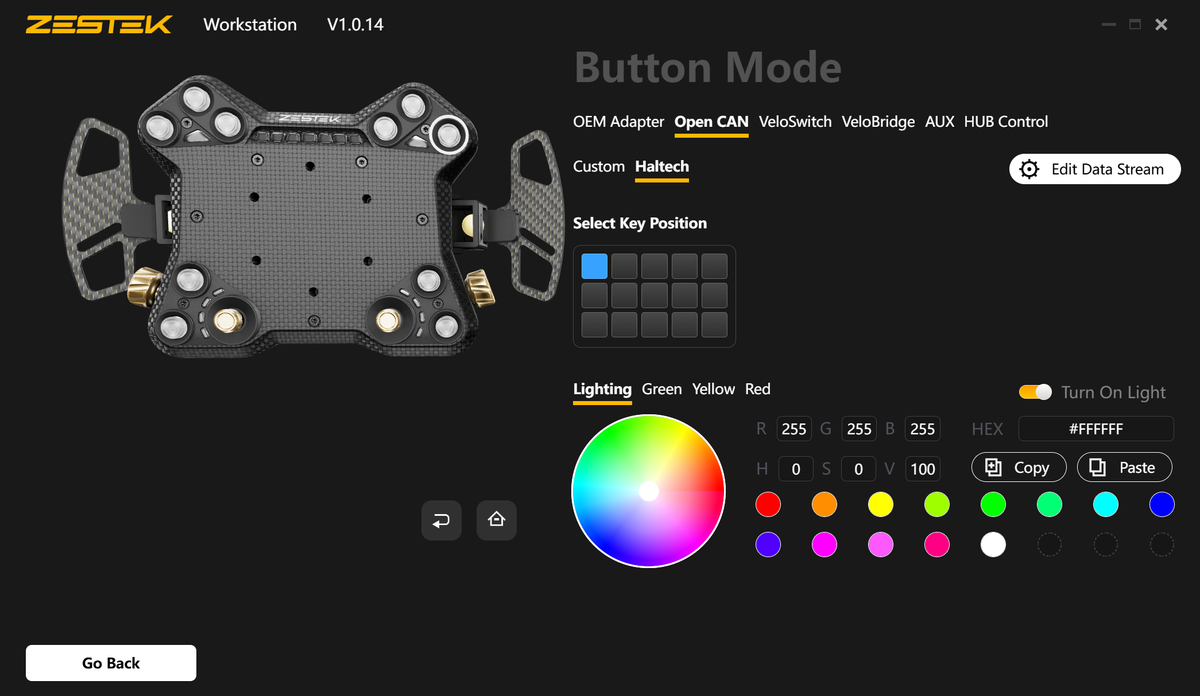
Haltech keypad emulation
In Haltech mode each button maps to an emulated Haltech CAN keypad position. Pick the key position from the grid, set the colour for each state, then assign the function in Haltech ECU software.
Custom Open CAN
For Emtron, MoTeC, Link, FuelTech and other standalone ECUs, assign any button to a CAN channel of your choosing.
Set tap or lock behaviour per button, and control the button light and indicator light independently.
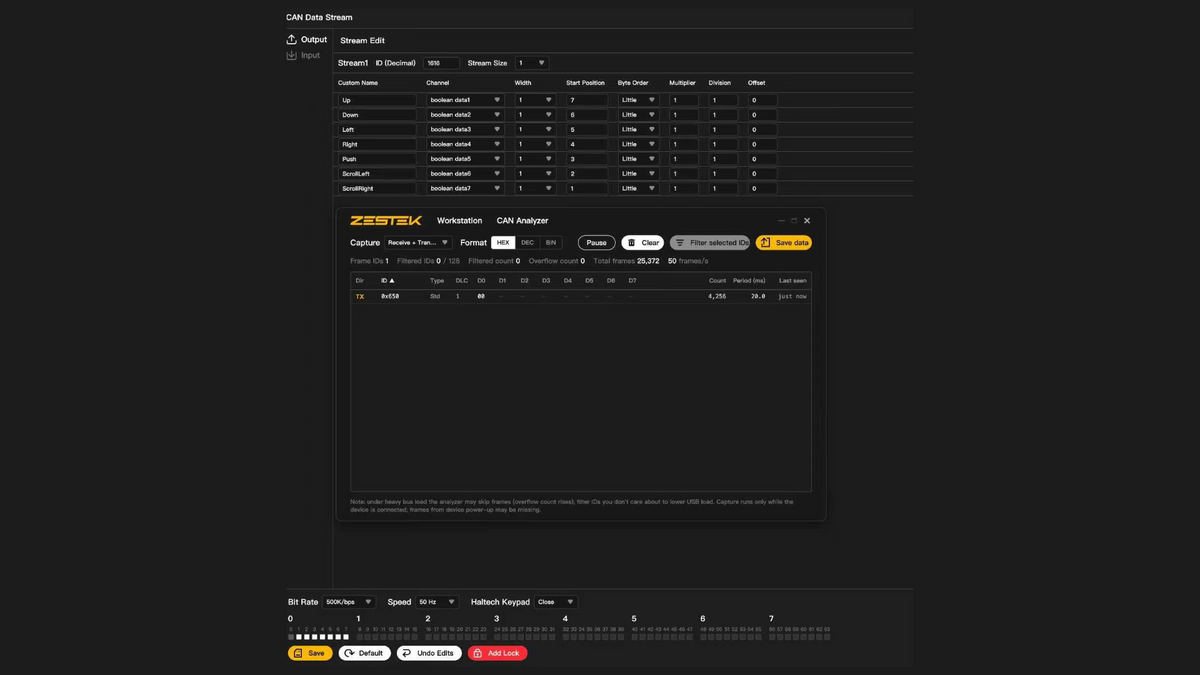
Build the stream, then watch it on the bus
On the Factory Functions + Standalone ECU configuration, each button becomes a named channel on an outgoing CAN stream. Set the stream ID, the bit position, width, byte order and scaling per channel.
The built-in CAN analyser then shows the bus as it runs, with frame IDs, transmit period, frame rate and counts, so the configuration gets confirmed against the car rather than assumed.
Before you order
Pick whatever you need to know. If your question is not here, message us before you order. It is faster than a return.
Which listing do I need?
If your car still runs its OEM ECU and you want to keep supported factory steering wheel functions, you are on the right one. Choose Factory Steering Wheel Functions, or add Standalone ECU if you are also running one.
If your car no longer needs factory steering wheel functions at all, use the Standalone ECU Only listing instead.
Will my factory buttons still work?
The supported ones will. A vehicle-specific PCB and harness connect SCX Pro to the original steering wheel circuit through the factory clock spring, so those signals travel the way they always did.
Exactly which functions carry over depends on your vehicle and the factory electronics it still has. Tell us which controls matter to you and we will confirm before the order is built.
Does it fit my car?
Over 80 make and model fitments are supported. Select yours from the dropdown above. If your car is not listed, message us before ordering, because the PCB and harness are built for a specific vehicle and are not a generic part.
Do I get the CAN and Workstation features?
The CAN stream configuration, Haltech keypad emulation, Custom Open CAN and the built-in CAN analyser apply to the Factory Functions + Standalone ECU configuration, because they need the separate motorsport connection to your ECU.
On the Factory Steering Wheel Functions configuration on its own there is no standalone ECU connection, so those screens do not come into play. Everything else in Workstation, including button assignments, RGB colours, shift lights and status lighting, is the same either way.
Do I need the curly cord?
Yes, if you are running the standalone ECU connection. The DR-25 Raychem cord and aerospace-grade connector carry the motorsport signals between SCX Pro and your race electronics, and it is not included.
Add it to this order and confirm the connector and wiring your installation needs. View the curly cord.
Which standalone ECUs work?
For Haltech, Haltech mode maps SCX Pro buttons to emulated Haltech CAN keypad positions, and the functions are assigned in Haltech ECU software.
For Emtron, MoTeC, Link, FuelTech and others, Custom Open CAN lets your installer assign button channels and configure outgoing CAN data streams. Message IDs and data fields have to be matched to the receiving device.
What do you need from me?
Your make, model and configuration, and a list of the original controls you want to keep.
If you are ordering the combined Factory Steering Wheel Functions + Standalone ECU configuration, also send your standalone ECU, display and CAN setup so the required connection parts can be specified correctly.
How is the Pro different from the SCX?
The Pro moves from the carbon composite used on SCX and DRX to full dry-compressed carbon fibre, with a metal rear housing. The magnetic paddle shifters are revised with a wider adjustment range and a more positive shift.
It also adds RGB button and status lighting with on-panel brightness control, and on the combined configuration a separate motorsport CAN connection that SCX does not offer.
Will it fit my aftermarket wheel?
Most aftermarket wheels will suit SCX Pro. If you are unsure, message us and we will confirm your wheel choice before you order.
Can I add lights or body control?
Beyond the factory functions you are retaining, additional lighting, body control and custom switching need the VeloLink accessories: VeloSwitch, VeloBCM and VeloLCM. VeloSwitch alone adds eight wireless relay channels.
Can I install it myself?
It is designed for straightforward installation, but we recommend a professional installer, particularly on the combined configuration where the factory harness and the motorsport connection both have to be terminated correctly. Zestek is not liable for damage that occurs during installation.
Can you help me set it up?
Yes. Email info@zestek.net to book a remote Express setup session and we will walk you through configuration.
Complete your SCX Pro build